
Pay once. Keep the app.
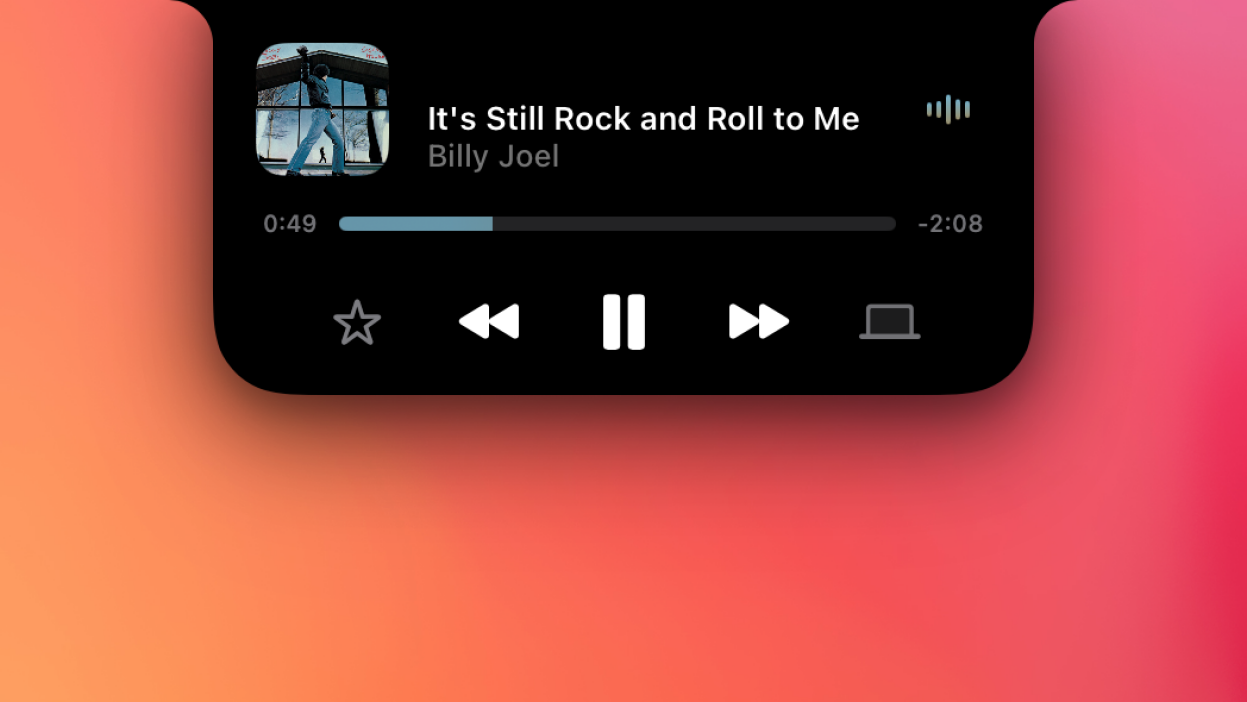
Alcove
Dynamic Island for your Mac
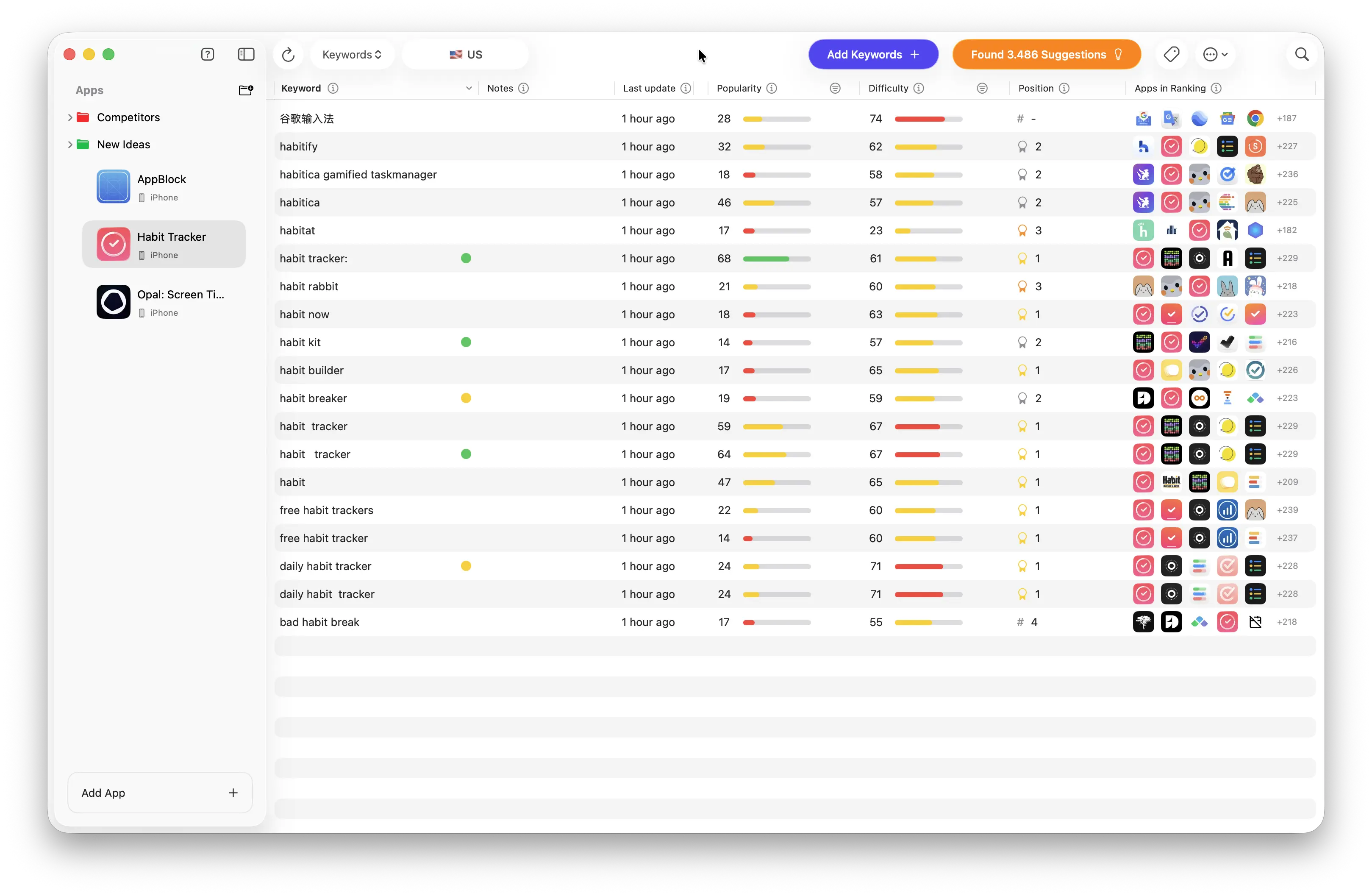

Astro
App Store Optimization that actually grows your app
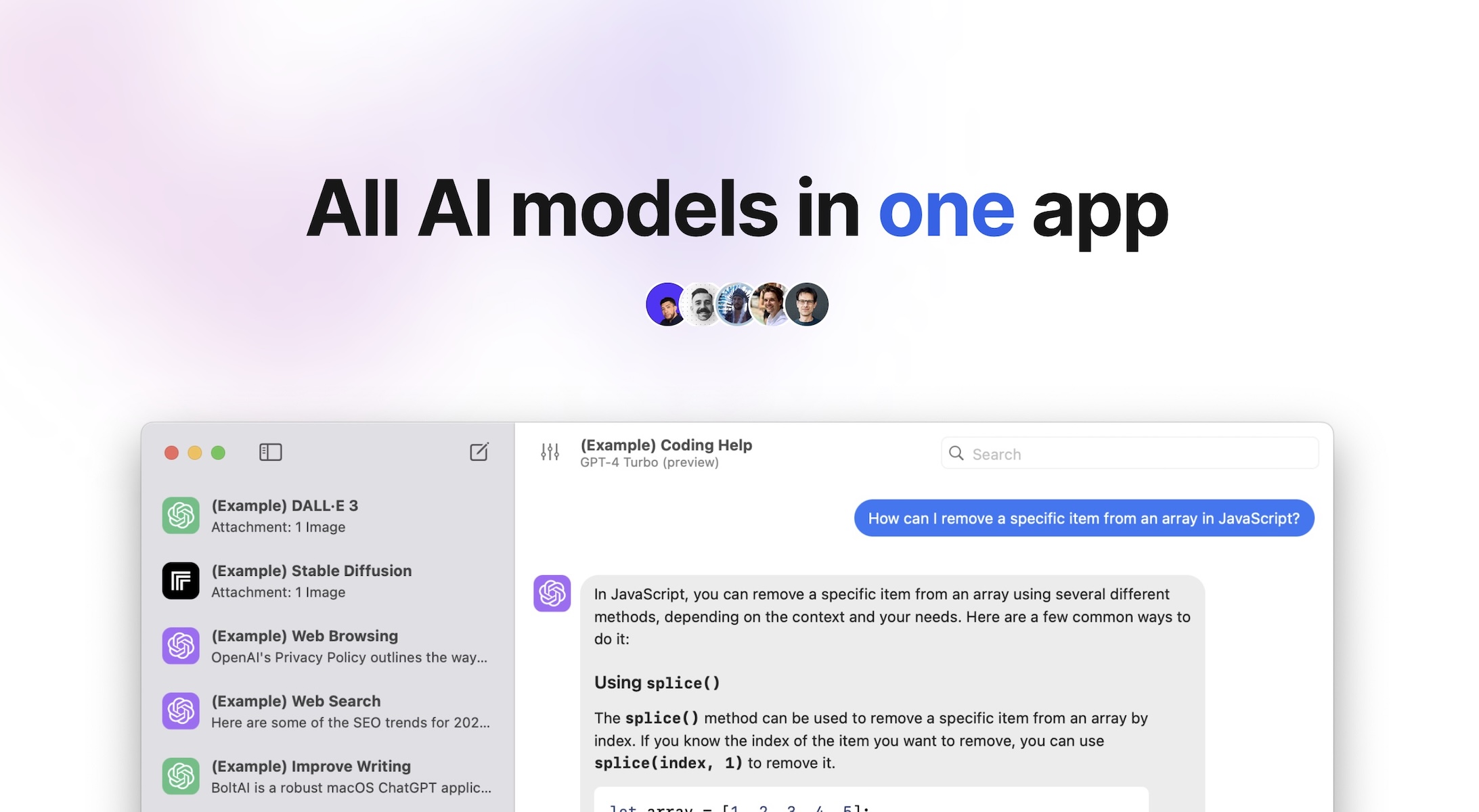

BoltAI
The best AI client for Mac
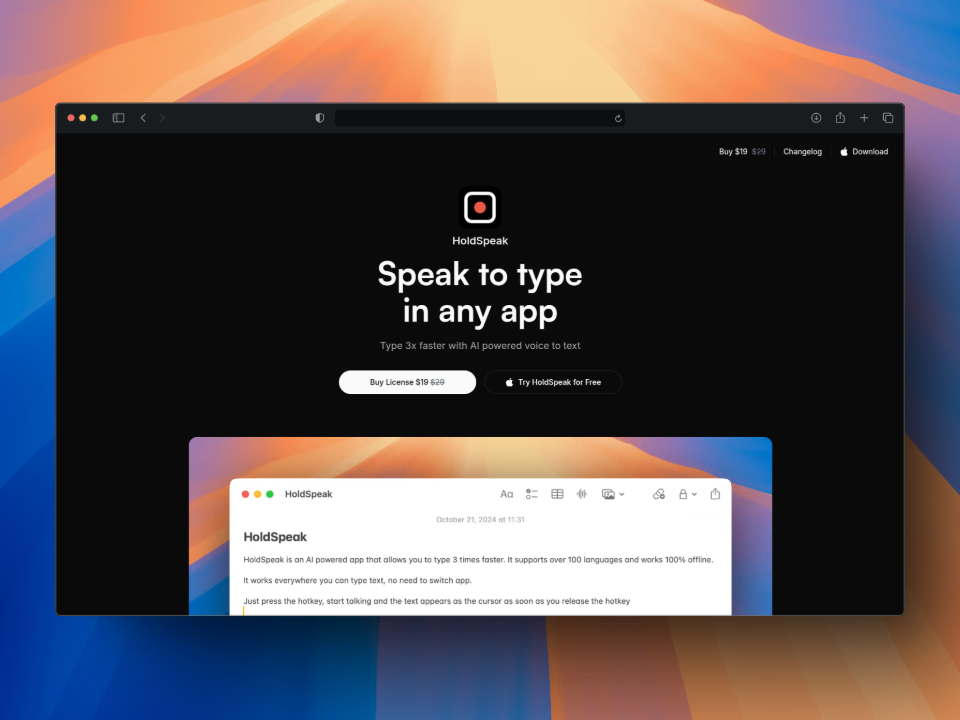
HoldSpeak
Type 3x faster with AI powered voice-to-text
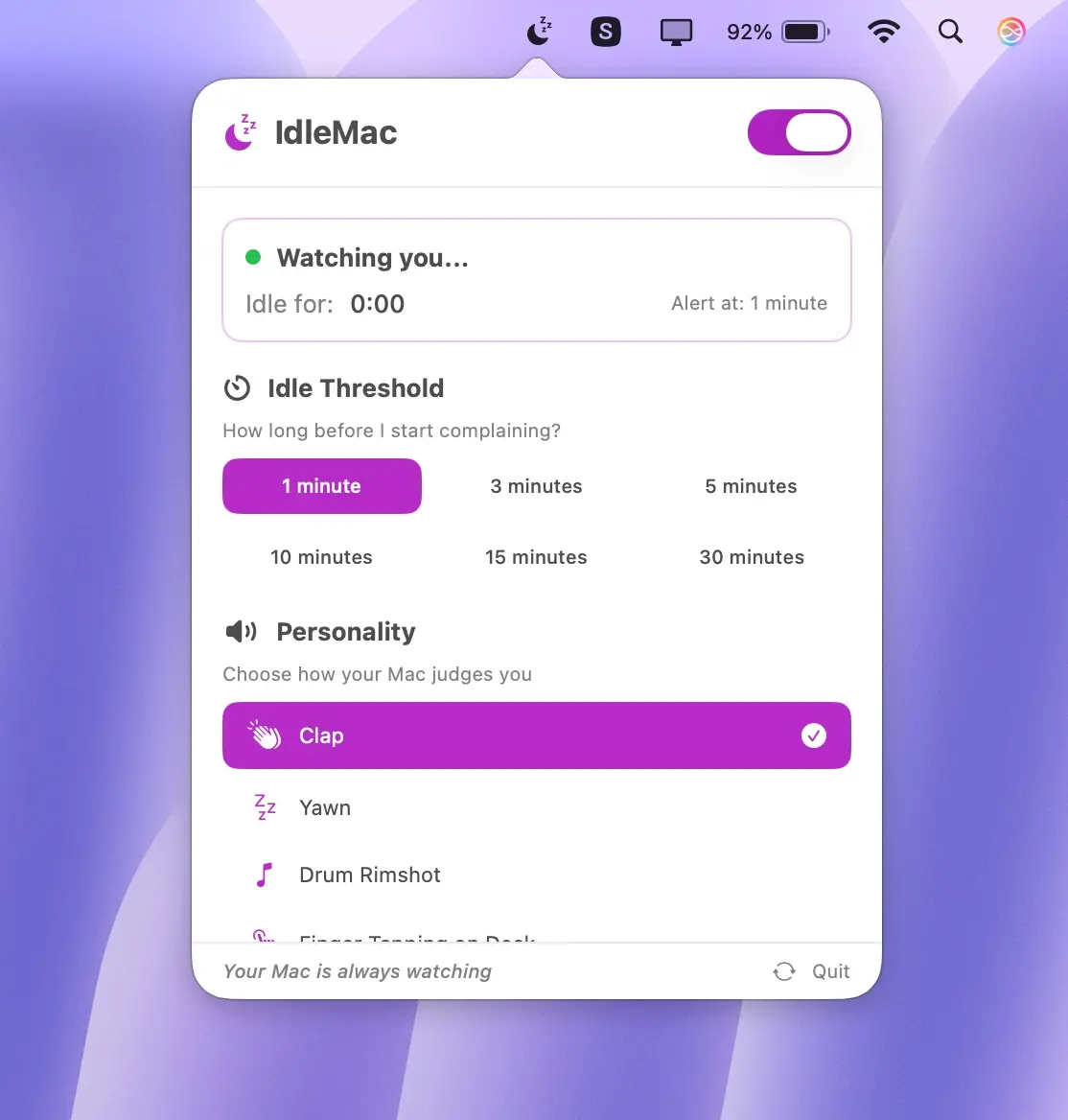

IdleMac
Your Mac Knows When You're Slacking
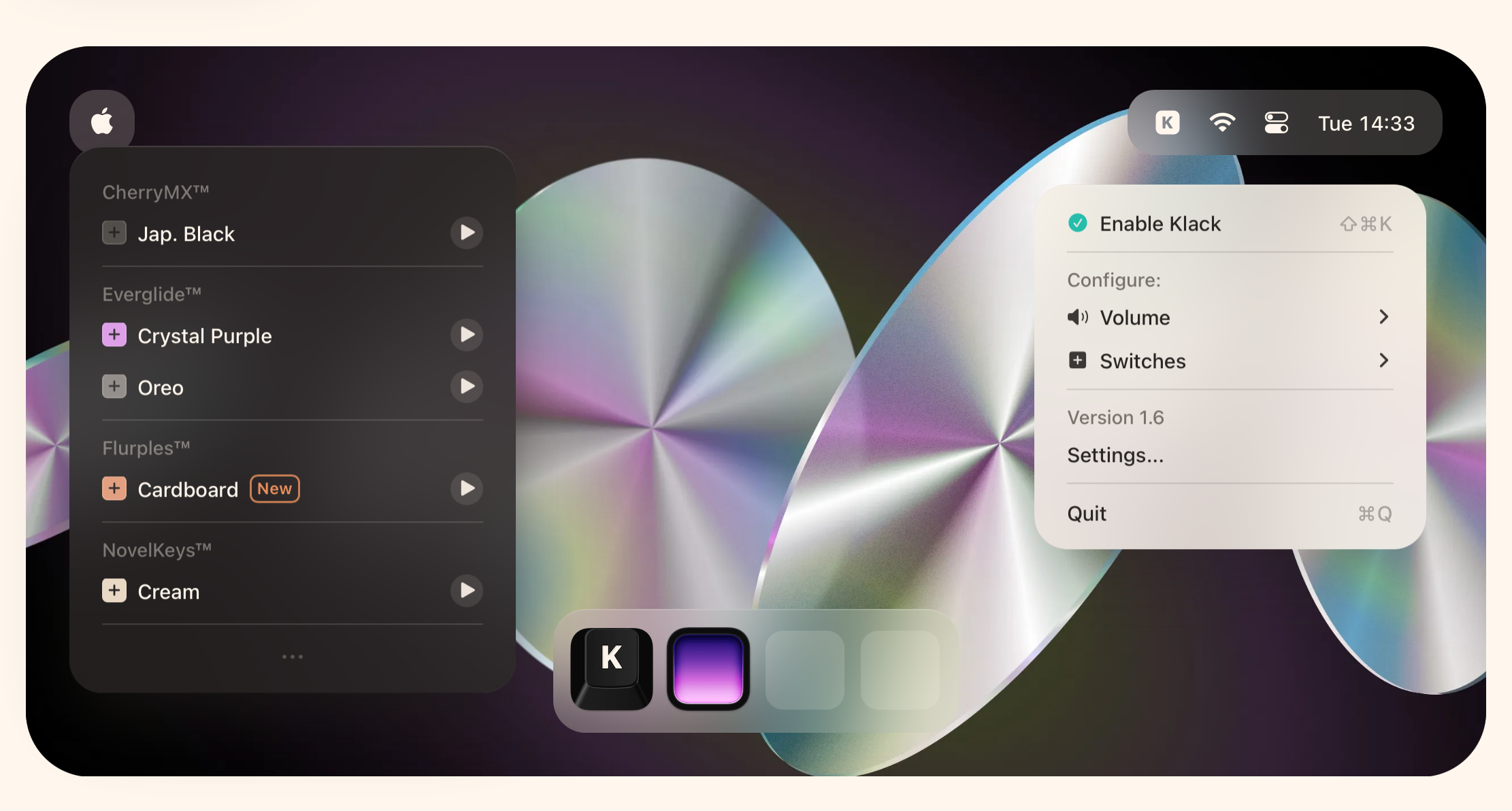
Klack
Satisfying sound with every keystroke
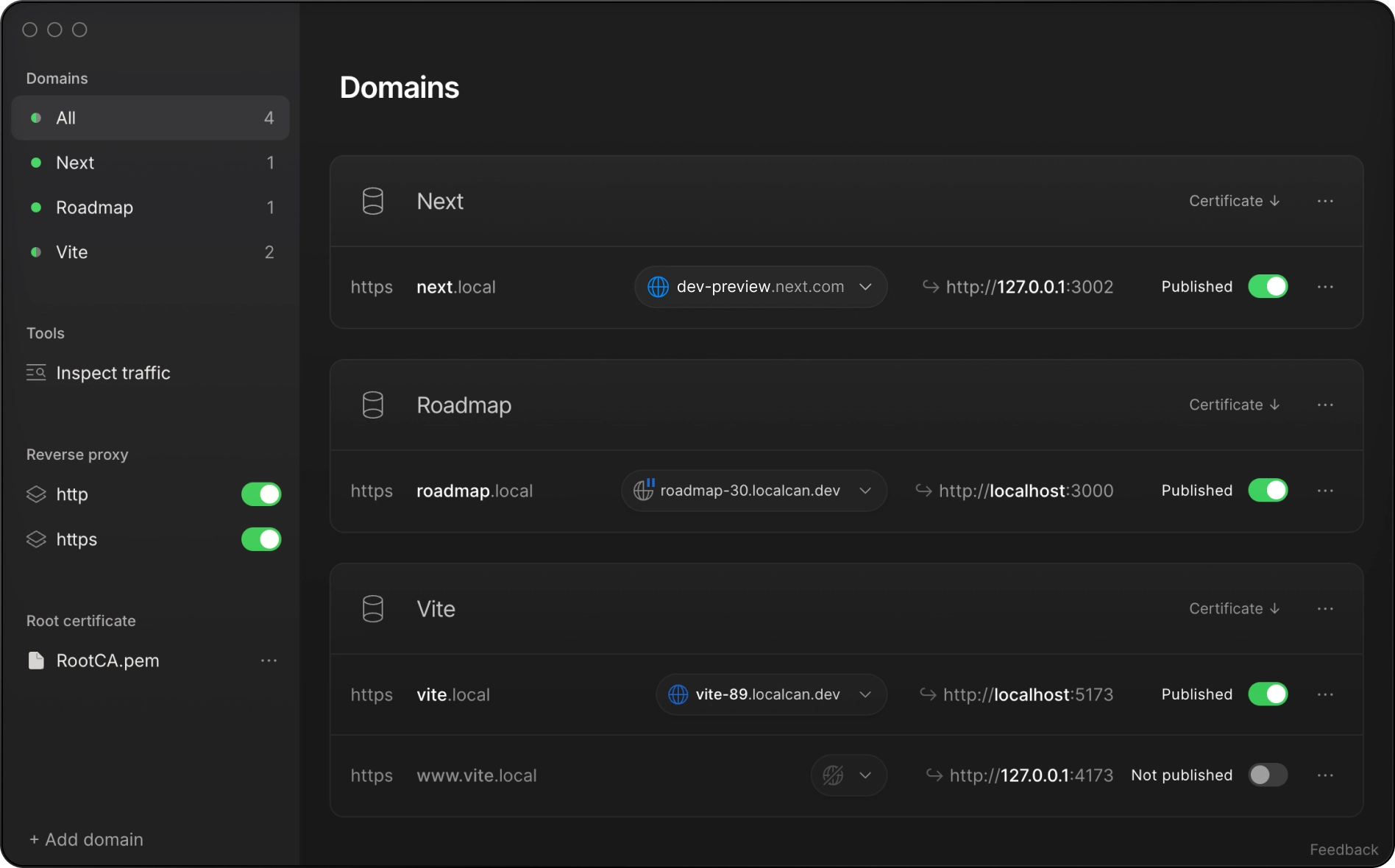
LocalCan
Local domains and persistent Public URLs
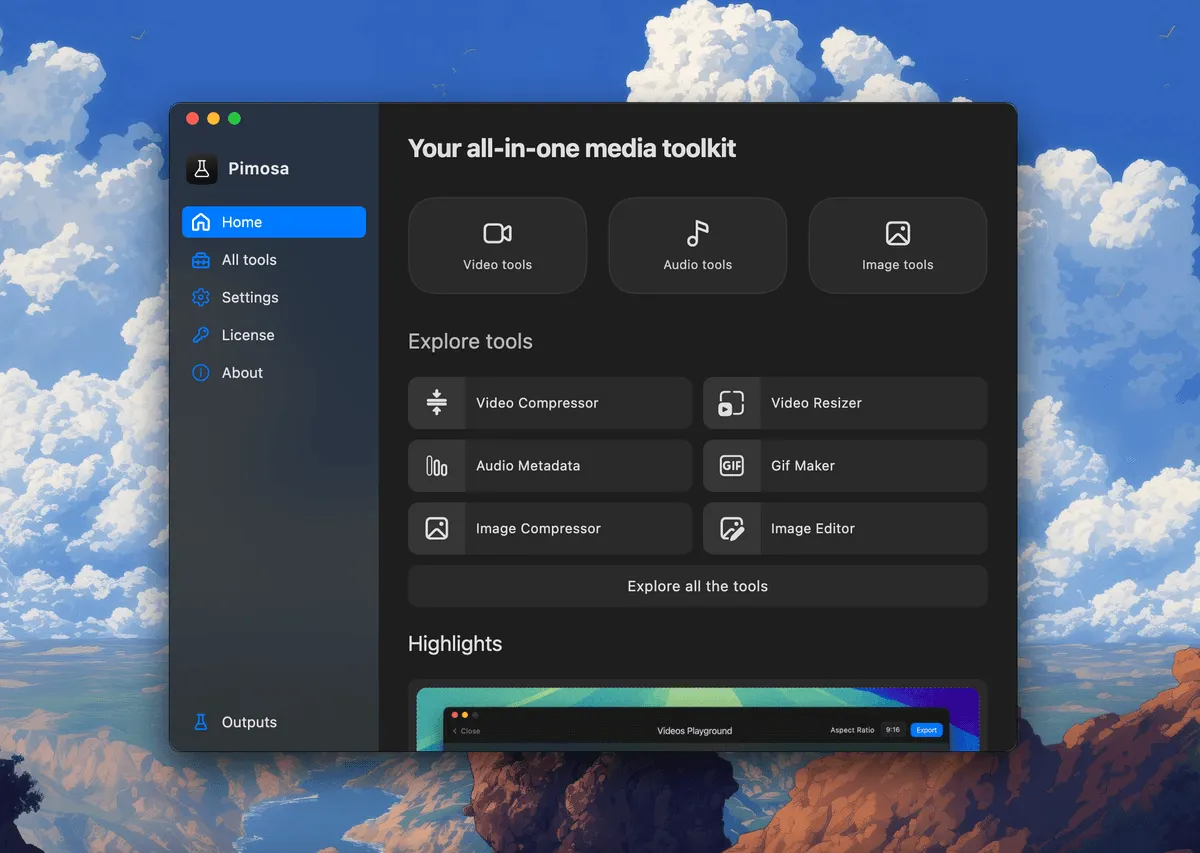

Pimosa
Simple Video, Photo & Music Editing Tools in one app

Screen Charm
Screen Recorder for Mac with Automatic Zoom

SlapMac
Slap your MacBook. It screams back
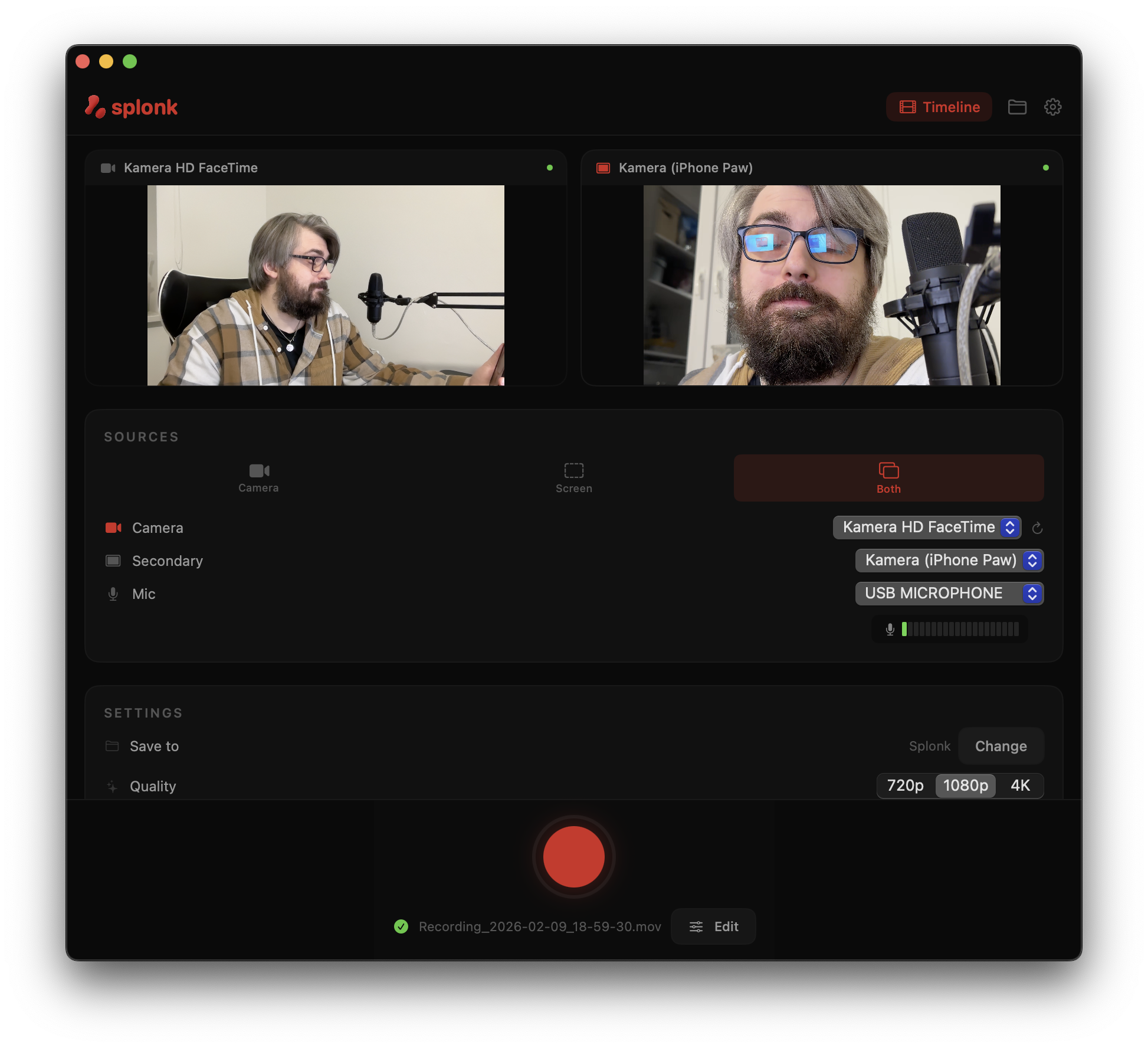
Splonk
Record vertical and screen videos with your iPhone camera on Mac
Acorn
Full-featured photo editor designed for humans
Airmail
Lightning fast mail client for Mac
Arq
Backup your files to cloud storage

Bartender
Organize your menu bar icons
BBEdit
Professional text and code editor
BetterTouchTool
Customize input devices on your Mac
Carbon Copy Cloner
Reliable Mac backup and cloning solution
Chronicle
Bill organizer and payment tracker
CleanShot X
Capture your Mac's screen like a pro
Commitments
Your tasks in menu bar
DaisyDisk
Analyze disk usage and free up space
DEVONthink
Document and information management
DisplayBuddy
Control the real brightness of monitors directly from Mac
Divvy
Window management at its finest
Due
Reminders with persistent alerts
Endurance
Extend your MacBook's battery life
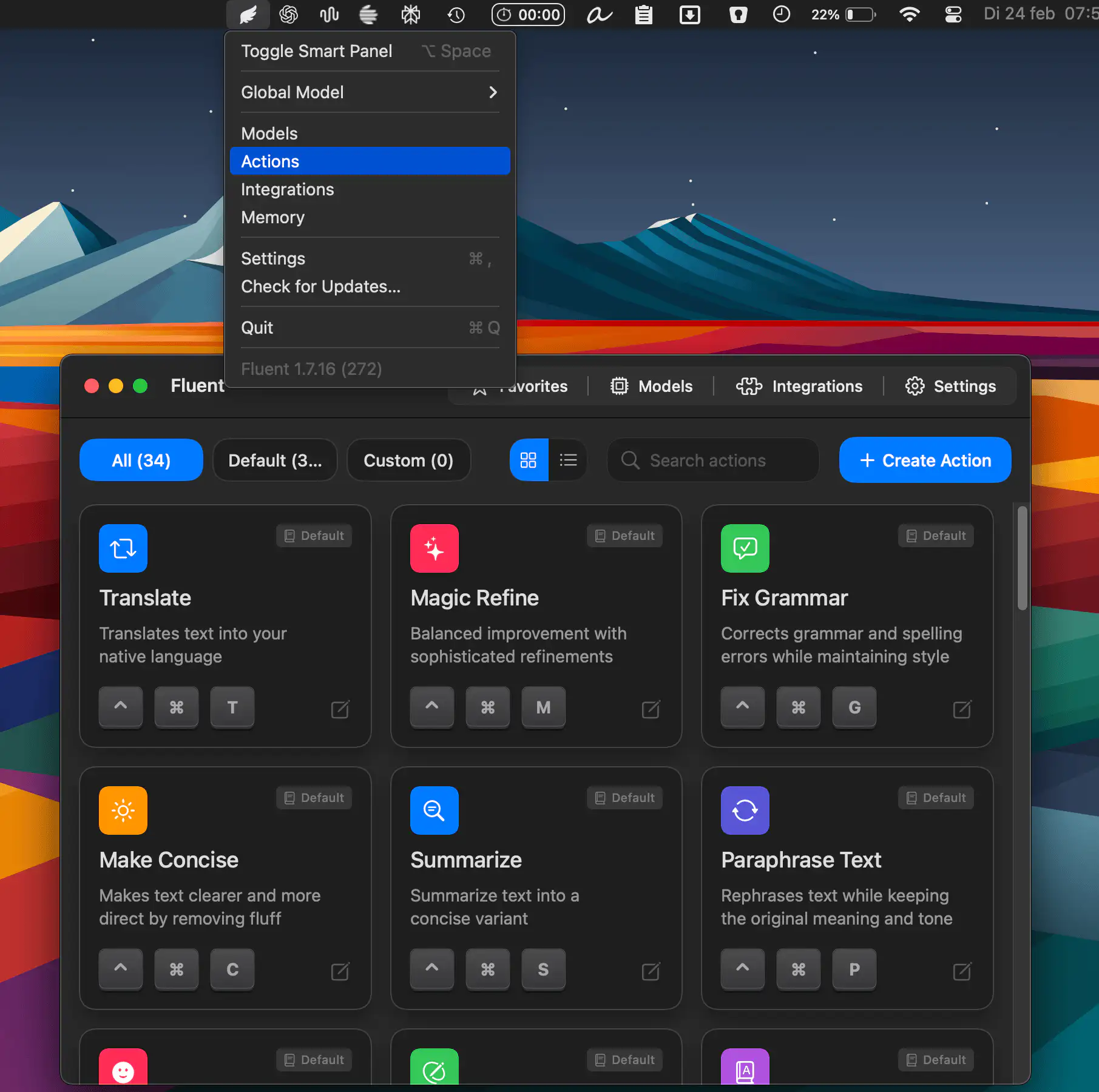
Fluent
Brings ChatGPT, Claude, Gemini and hundreds of other AI models directly into your daily workflow. Smart Panel understands context, refines text, chats with documents.
Focus
Block distracting websites and applications
ForkLift
Advanced dual-pane file manager and FTP client
Gifox
Delightful GIF recording and sharing
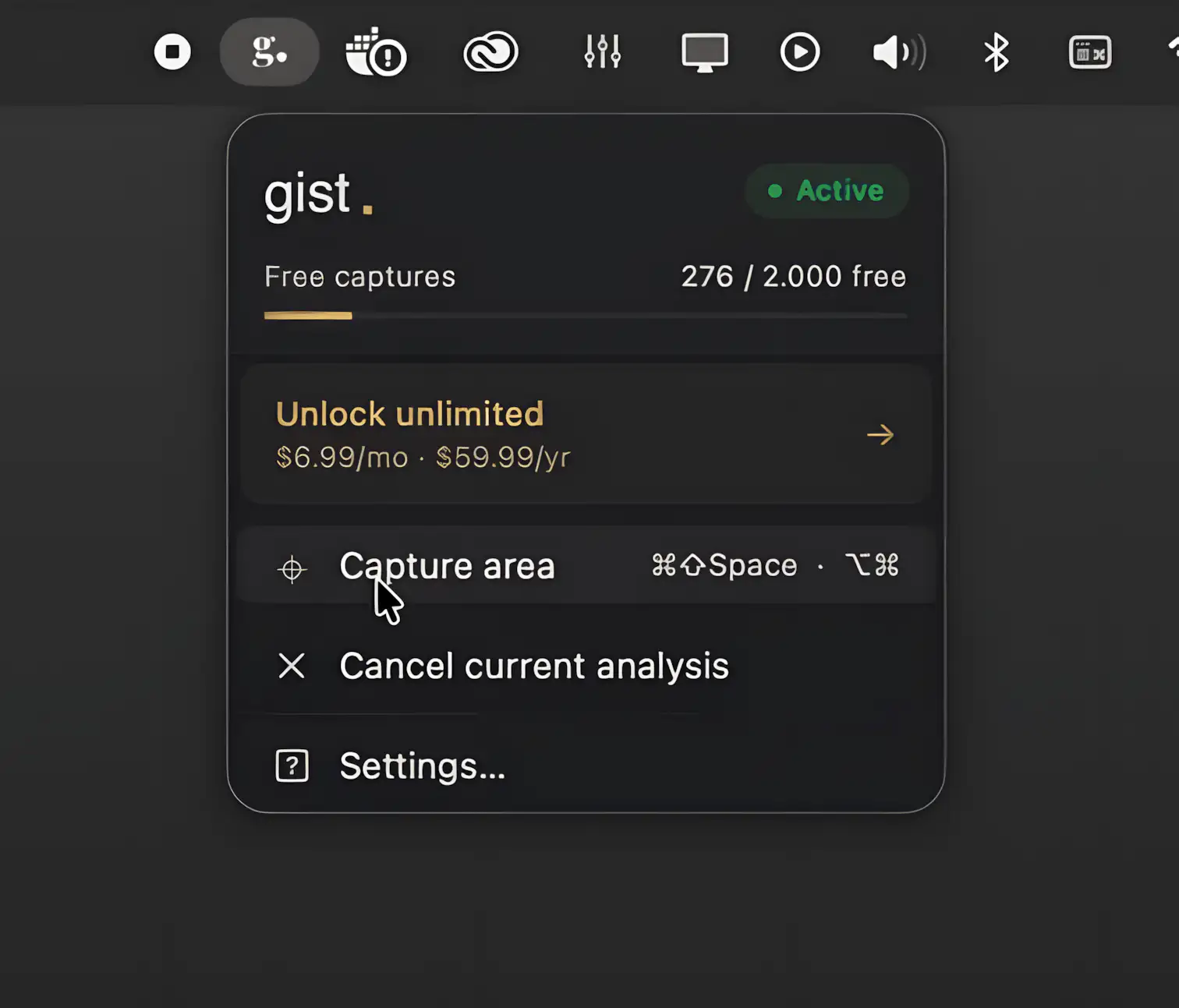
Gist
Lives one shortcut away, letting you select anything on your screen and turn it into clear, useful action. No prompts, no tab-hopping, just fast, intelligent results.
GitFox
Git client with a focus on simplicity
Hazel
Automated organization for your Mac
iA Writer
Focused writing app with beautiful typography
IconJar
Icon management tool for designers
iStat Menus
Advanced Mac system monitor in your menu bar
Keyboard Maestro
Automate applications and websites
Little Snitch
Monitor camera and microphone access
Magnet
Window manager that snaps windows into position
MailMate
Advanced IMAP email client with keyboard control
Marked 2
Markdown preview and conversion
Mimestream
Native Gmail client for macOS
Moom
Move and zoom windows with ease
Movist Pro
Powerful movie player for macOS
MWeb
Pro Markdown writing and note-taking
NameQuick
AI-powered file renaming using GPT, Gemini, or local LLMs
Notebooks
Write, organize, and manage information
Nova
Beautiful native code editor from Panic
OmniFocus
Professional-grade task management
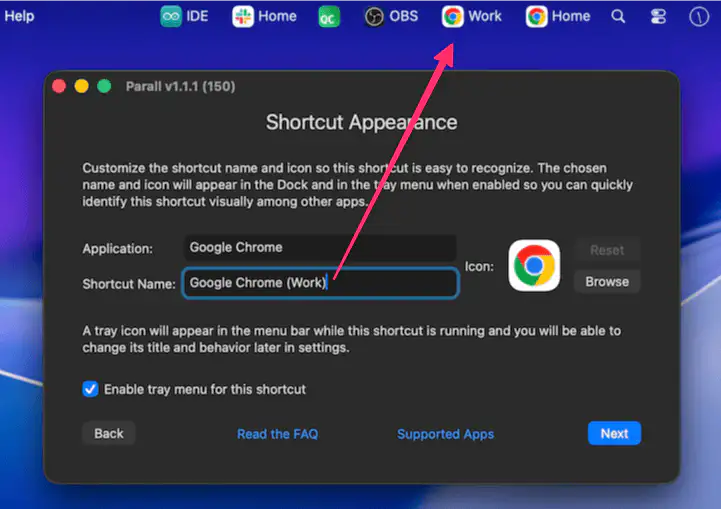
Parall
Adds a menu bar icon for each isolated app instance, giving you quick, clutter-free access to multiple versions of the same app from the menu bar.
Path Finder
Powerful Finder alternative
Paw
Advanced API tool for Mac
PDF Expert
Fast, robust PDF editor
PDFpenPro
Professional PDF editing for Mac
Permute
Easy-to-use media converter
Pixave
Ultimate image organizer and viewer
Pixelmator Pro
Powerful native image editor
Postico
Modern PostgreSQL client for macOS
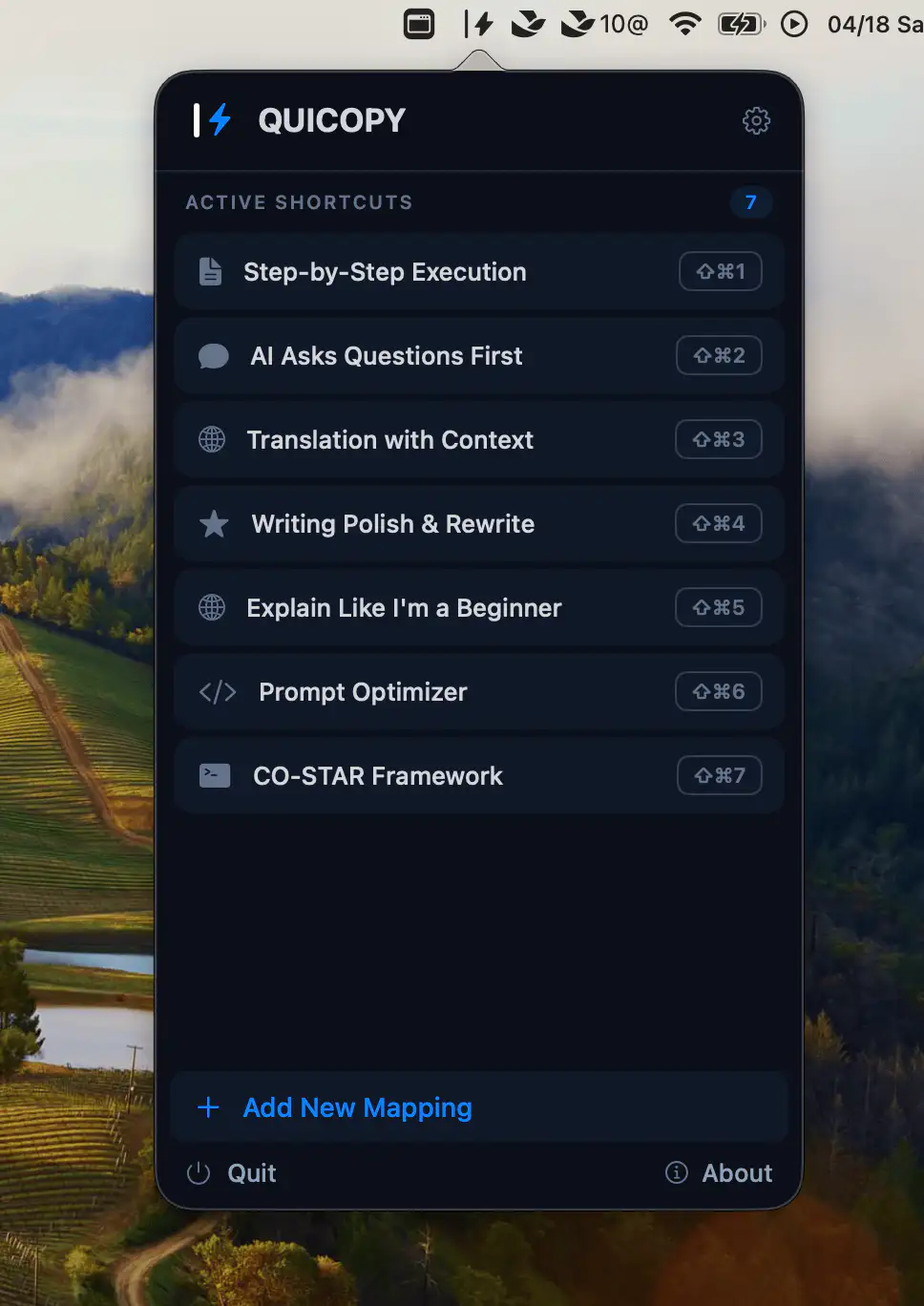
QUICOPY
Trigger text snippets with global shortcuts, works instantly across apps, syncs via iCloud, keeps everything local with a clean, unobtrusive presence.
ScreenFloat
Screenshot utility with floating thumbnails
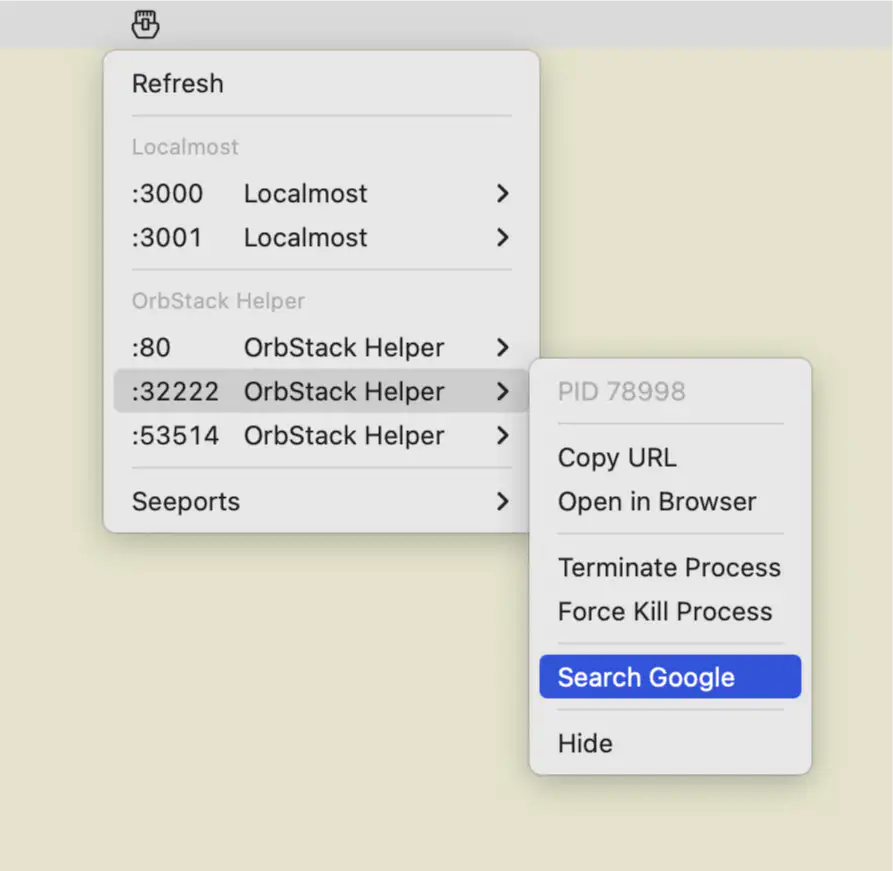
Seeports
Run local HTTP servers on macOS by dragging any folder to instantly serve files with automatic port assignment, multiple server management, logs, and directory listings.
Sip
Collect, organize and share colors
Sleeve
Beautiful now playing display for Apple Music
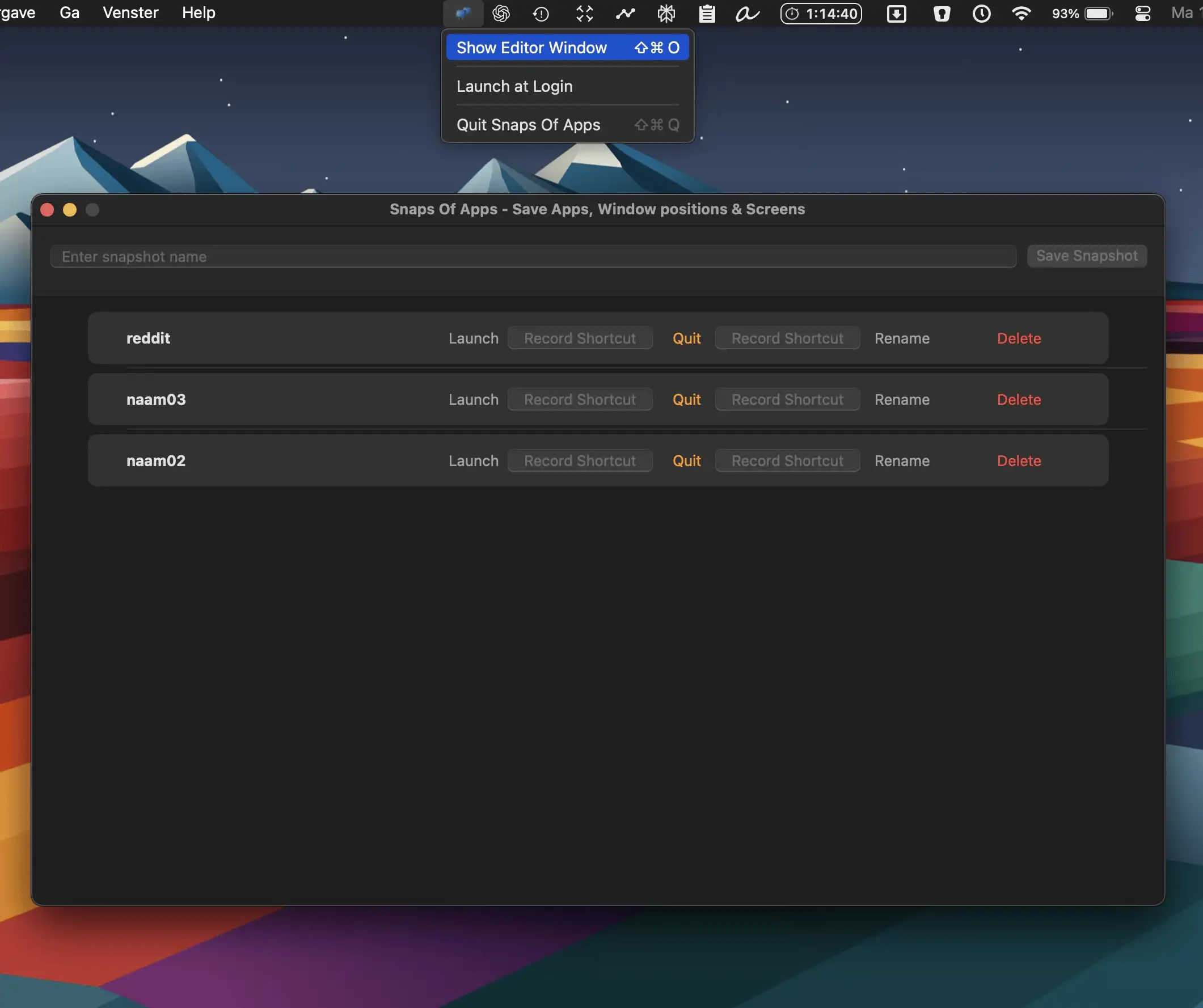
Snaps of Apps
Save, launch, and restore complete Mac workspaces with one click. Remembers your window layouts across multiple displays.
Snippety
Advanced snippets manager for macOS and iOS
Soulver
Smart notepad calculator that understands plain English math
SoundSource
Superior sound control for macOS
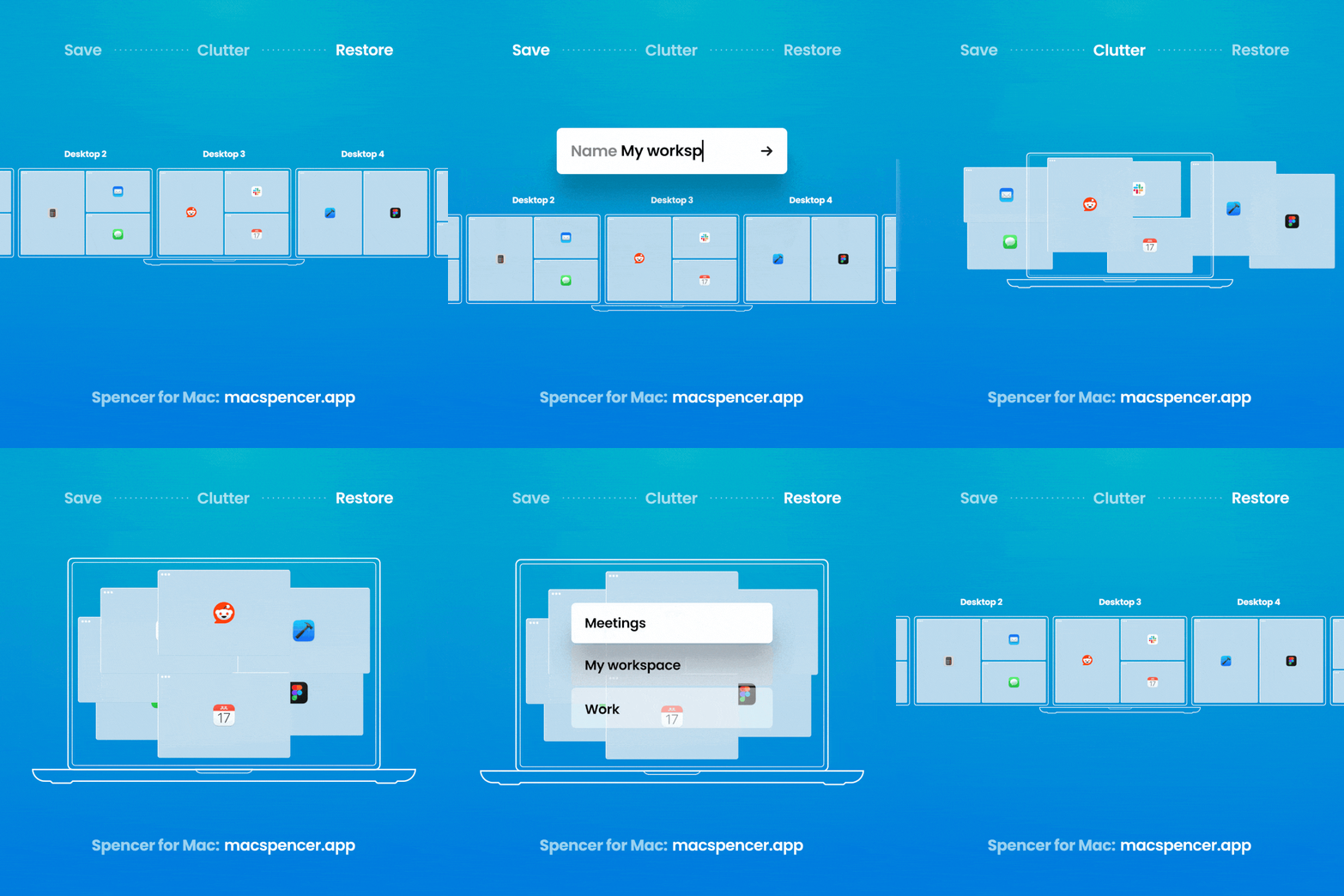
Spencer
Saves and restores layouts across spaces and displays, launches apps, hides the rest, and switches profiles — all with a single click and zero setup.
Surge
Advanced network toolbox for Mac
Swish
Control windows with trackpad gestures
TaskPaper
Plain text to-do lists
The Archive
Note-taking app for writers and researchers
Things
Award-winning task manager
Tower
Powerful Git client for Mac
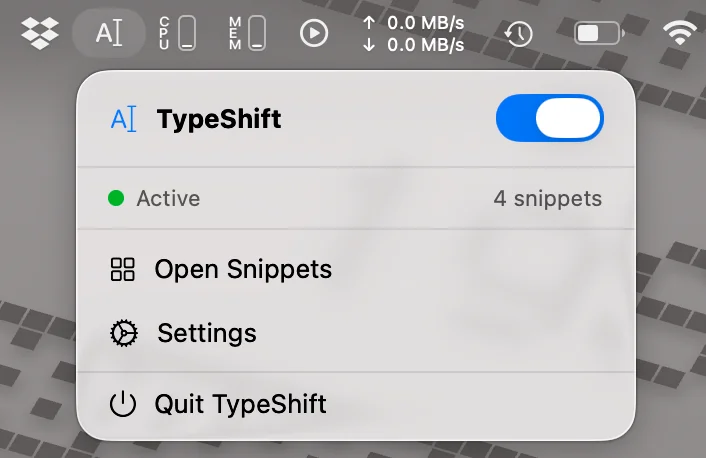
TypeShift
Clean, no-nonsense approach to text expansion, turning short abbreviations into emails, signatures, or dynamic snippets with macros, synced across Macs.
Typora
Minimal Markdown editor and reader
Unclutter
Files, notes, and clipboard manager in one
WiFi Explorer
Scan, monitor and troubleshoot wireless networks
Wins
Bring system-level window management features to macOS

WinsPilot
Notch-friendly window controls right in the Mac menu bar — multitasking feels faster, smoother, and oddly satisfying.
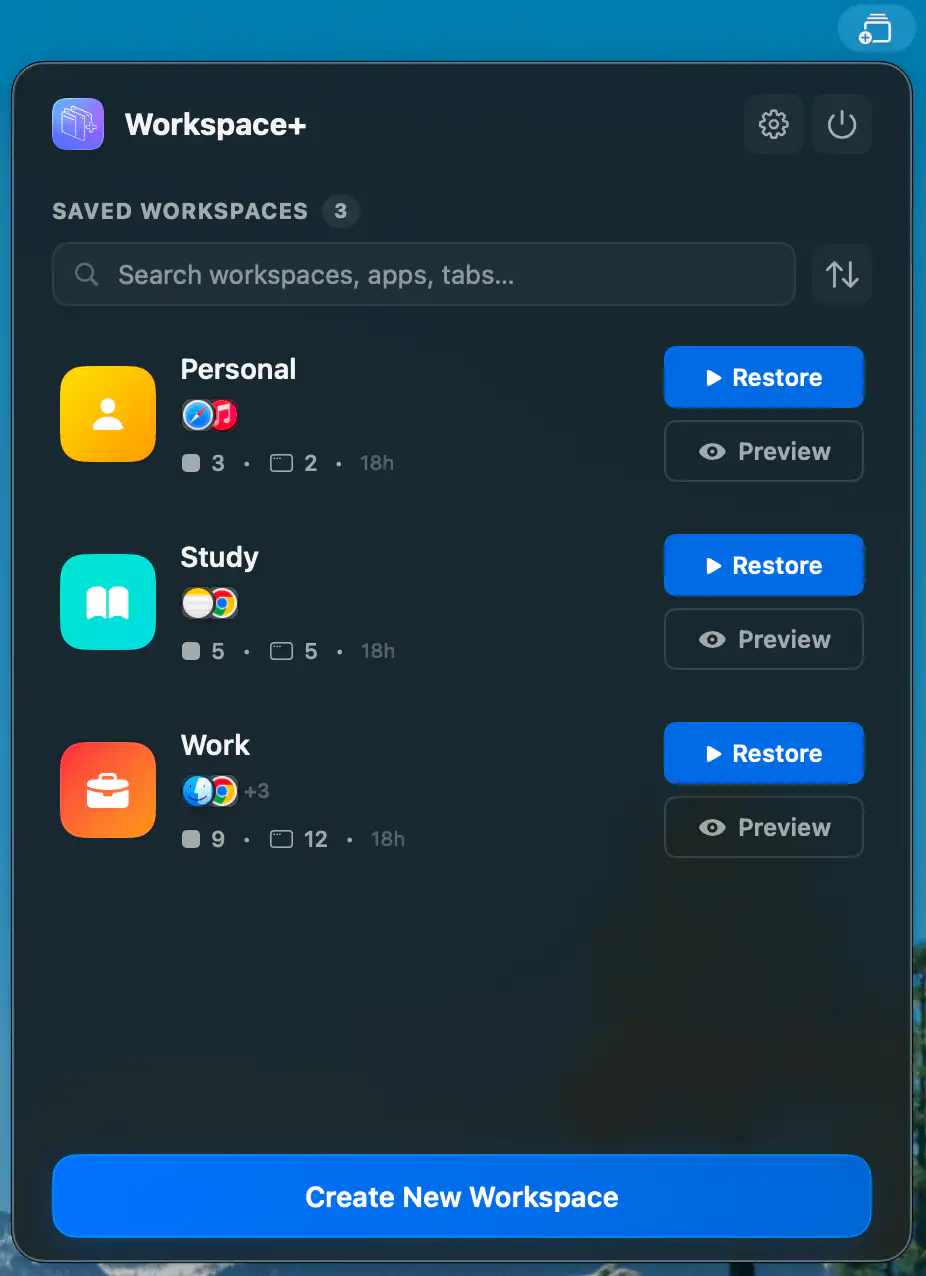
Workspace+
Capture your entire working setup and bring it back in seconds — open apps, files, window positions, browser tabs across multiple displays.
xScope
Measure, inspect, and test on-screen graphics
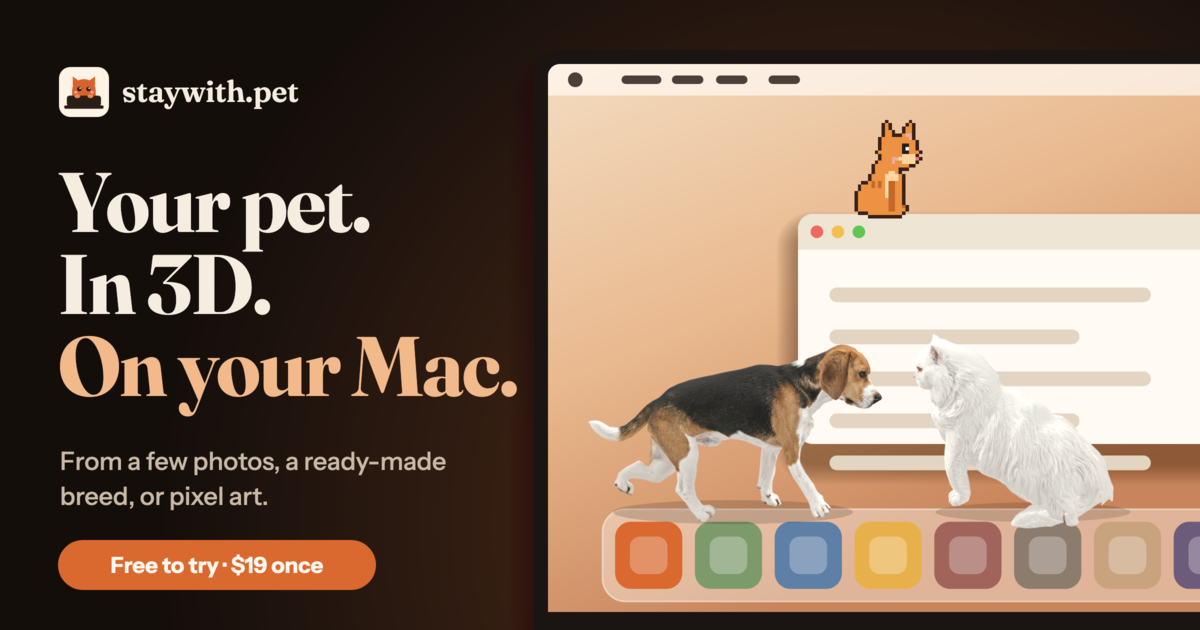

staywith.pet
Your pet. In 3D. On your Mac.

Tucket
A macOS clipboard manager that keeps every copy on your Mac.


Orca One
Private AI dictation and meeting notes for Mac
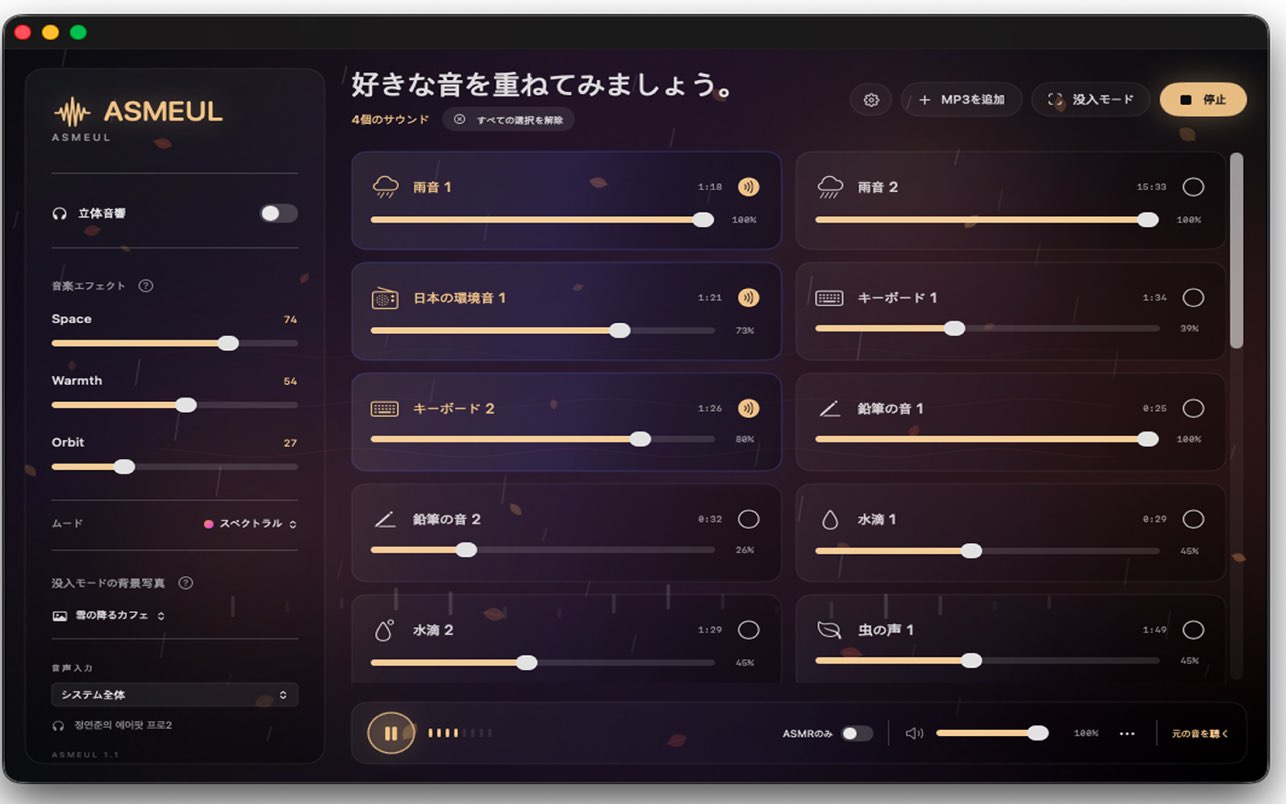
ASMEUL
Spatial ambient sounds layered over your Mac audio
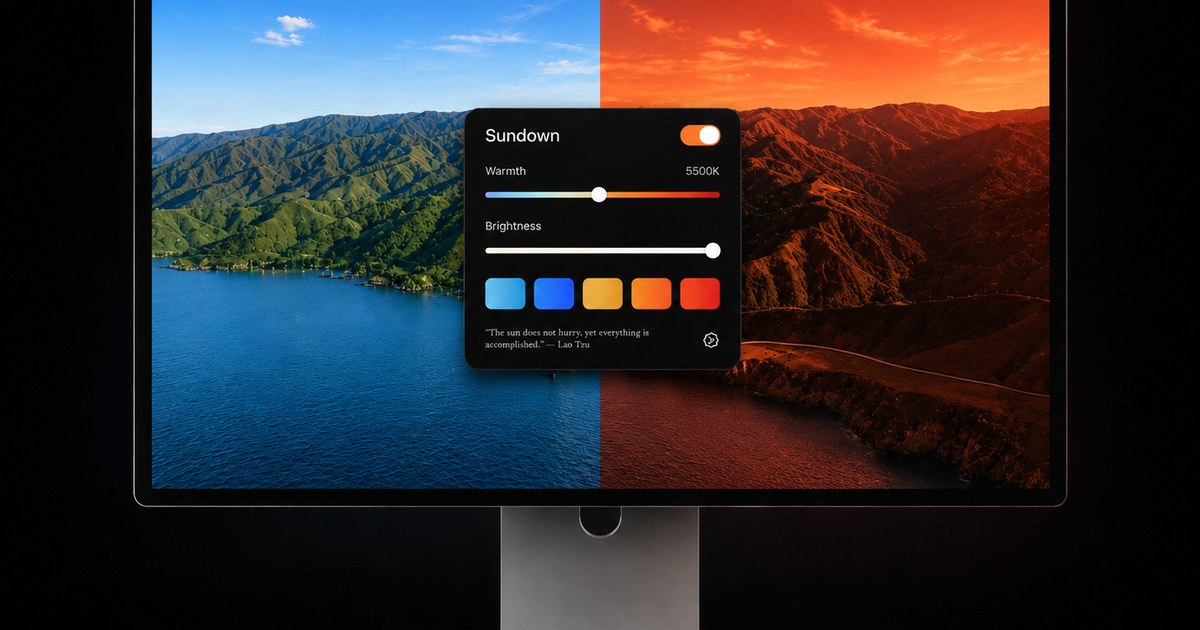
Sundown
Warms and dims your Mac display from the menu bar, on a schedule you set
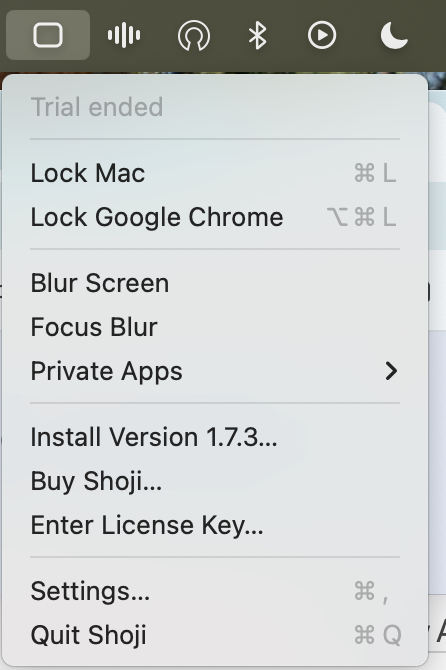
Shoji
Shoji is a privacy screen for macOS
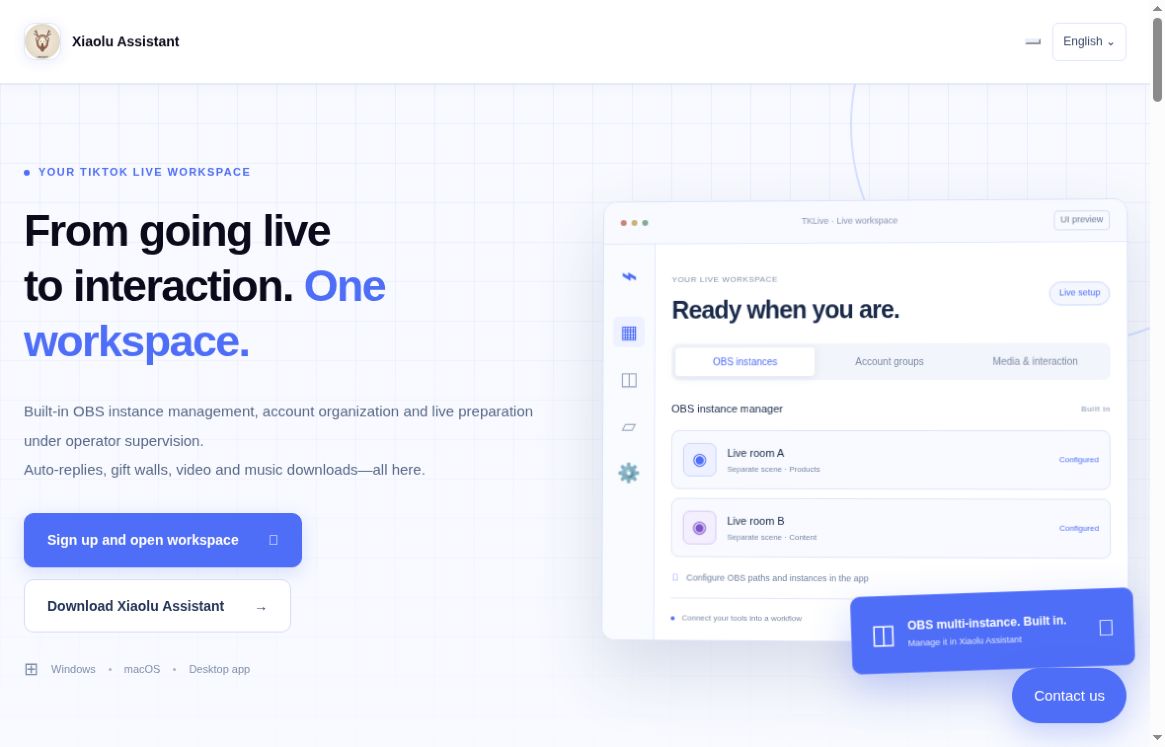

TKLive
Manage TikTok live accounts, OBS instances and media on Mac
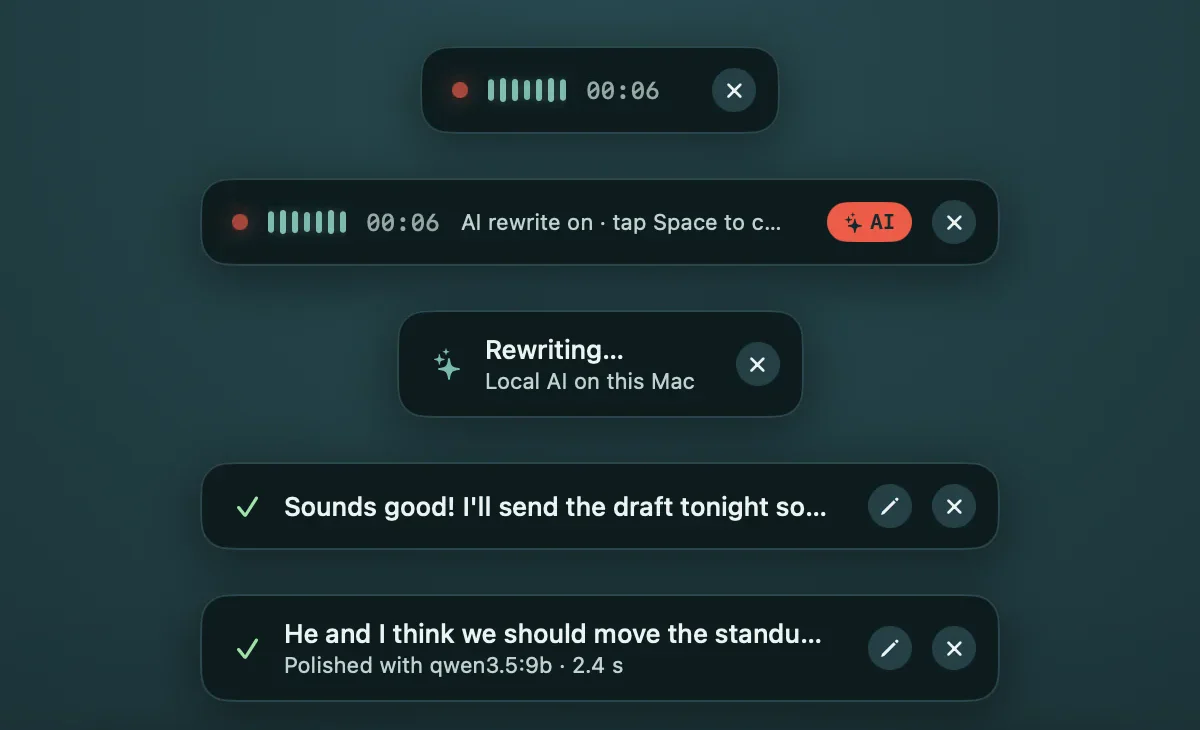

SayWrite
Hold Fn, talk, and clean text appears in any Mac app. On-device speech.
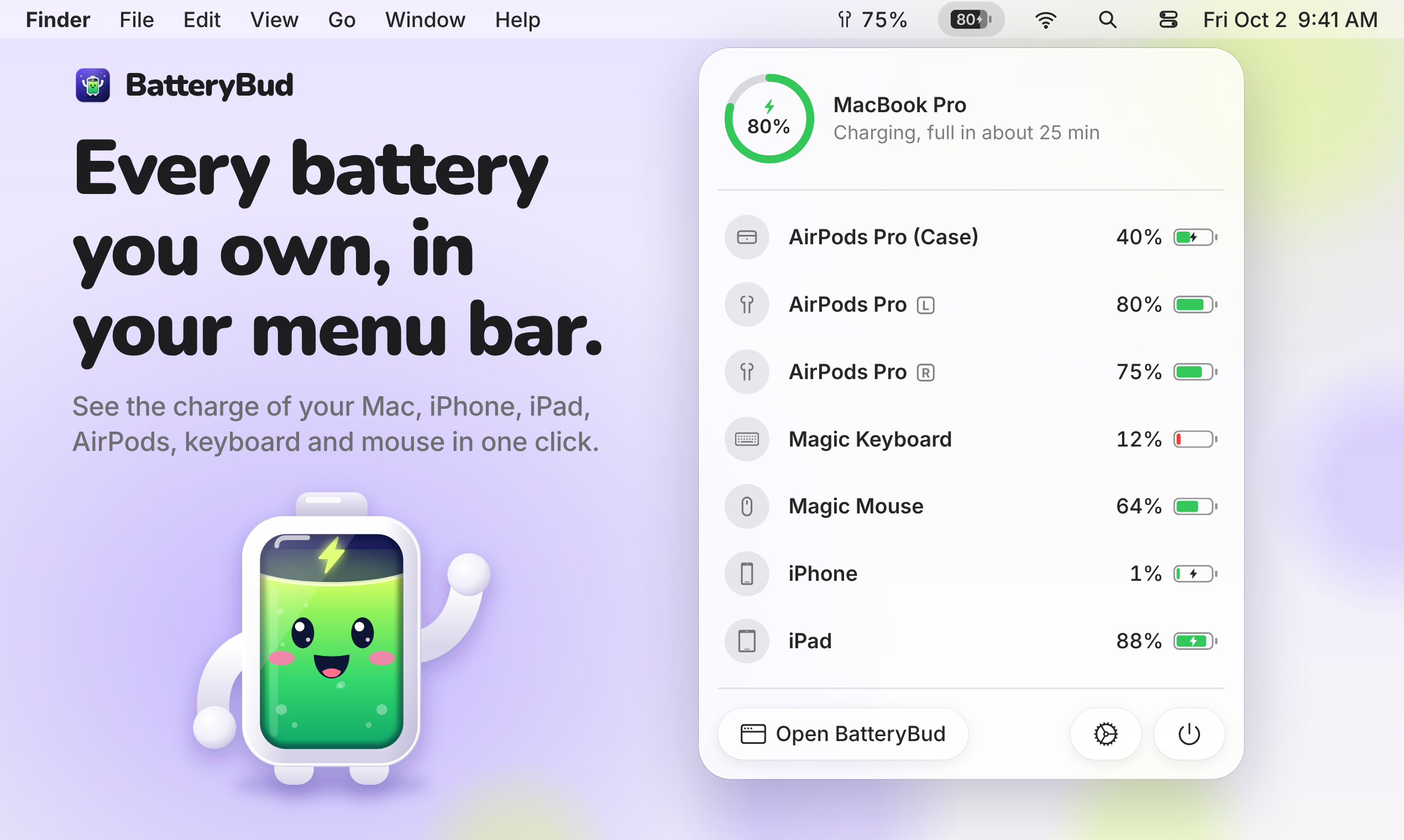
BatteryBud
Battery levels for every Apple device, in one click

TiltCue
Local head-tilt awareness cues for Apple-silicon Macs
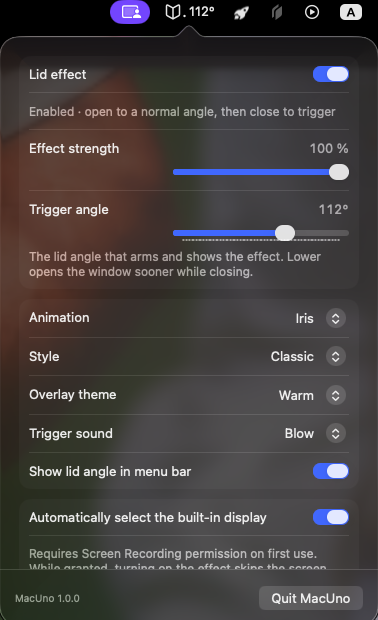

MacUno
Desktop transitions that follow your MacBook's lid angle
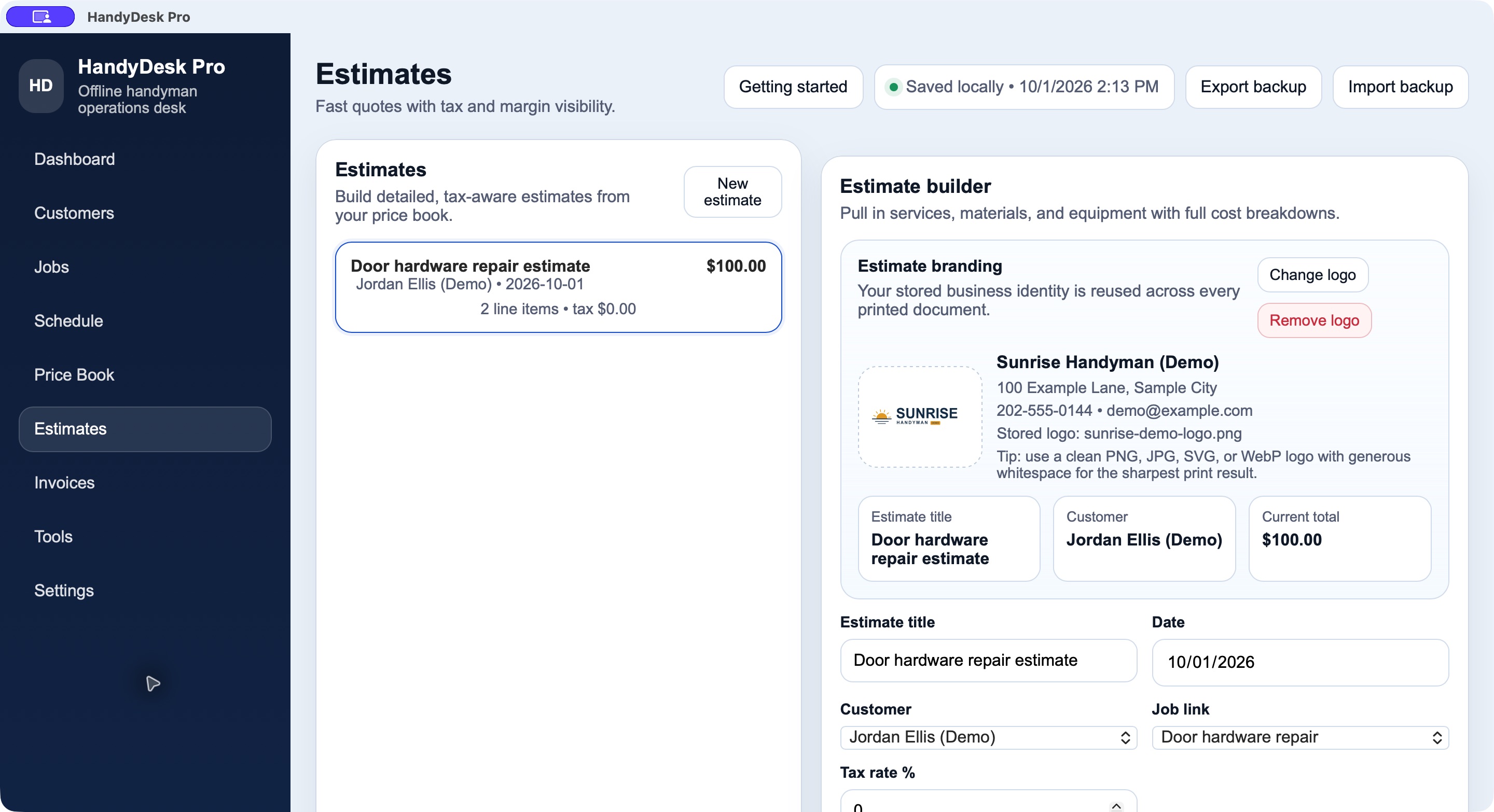

HandyDesk Pro
Offline estimates, invoices, and job records for handymen on Mac.
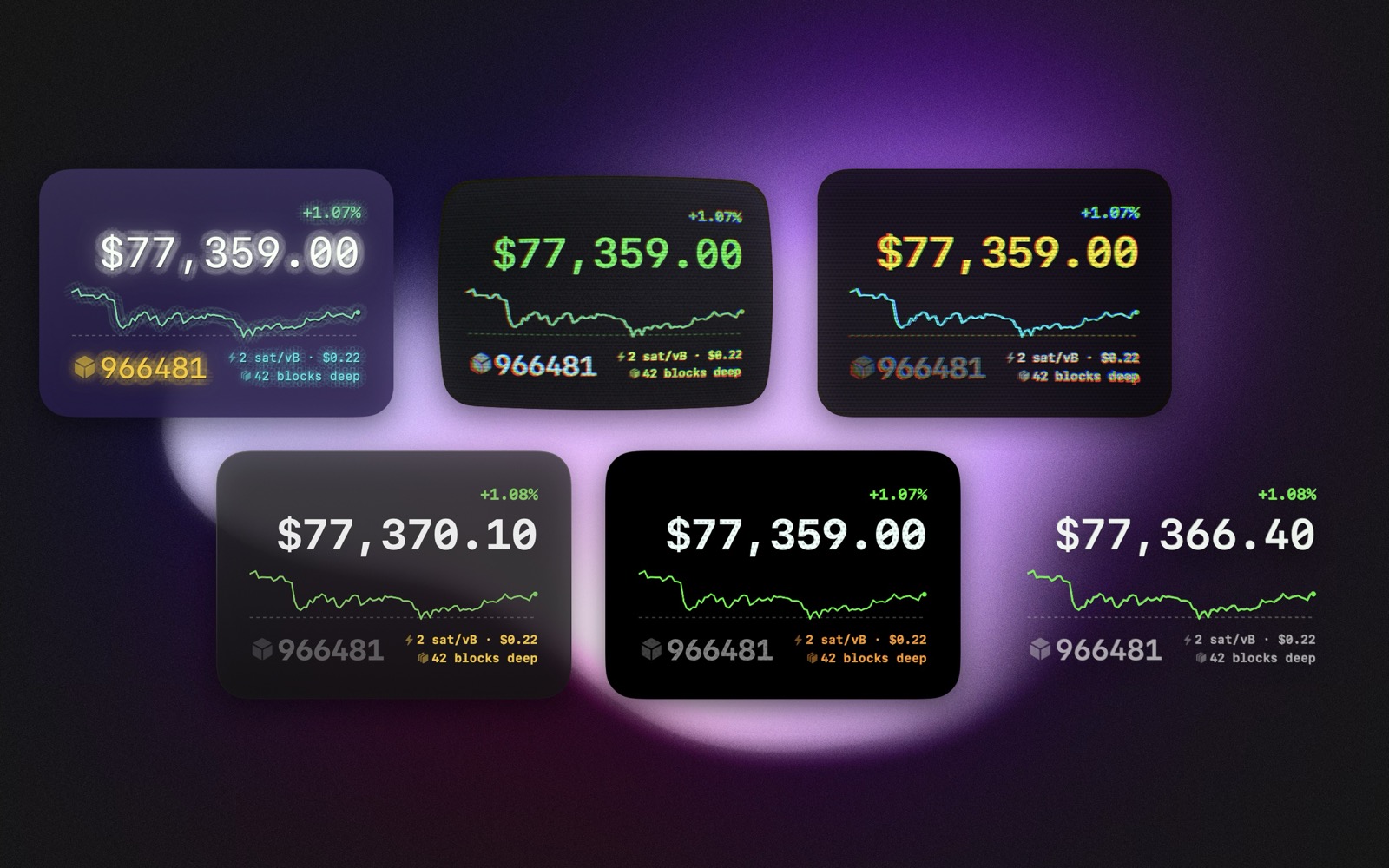

LilMoon
Live Bitcoin price, latest block and mempool fees on your Mac desktop.
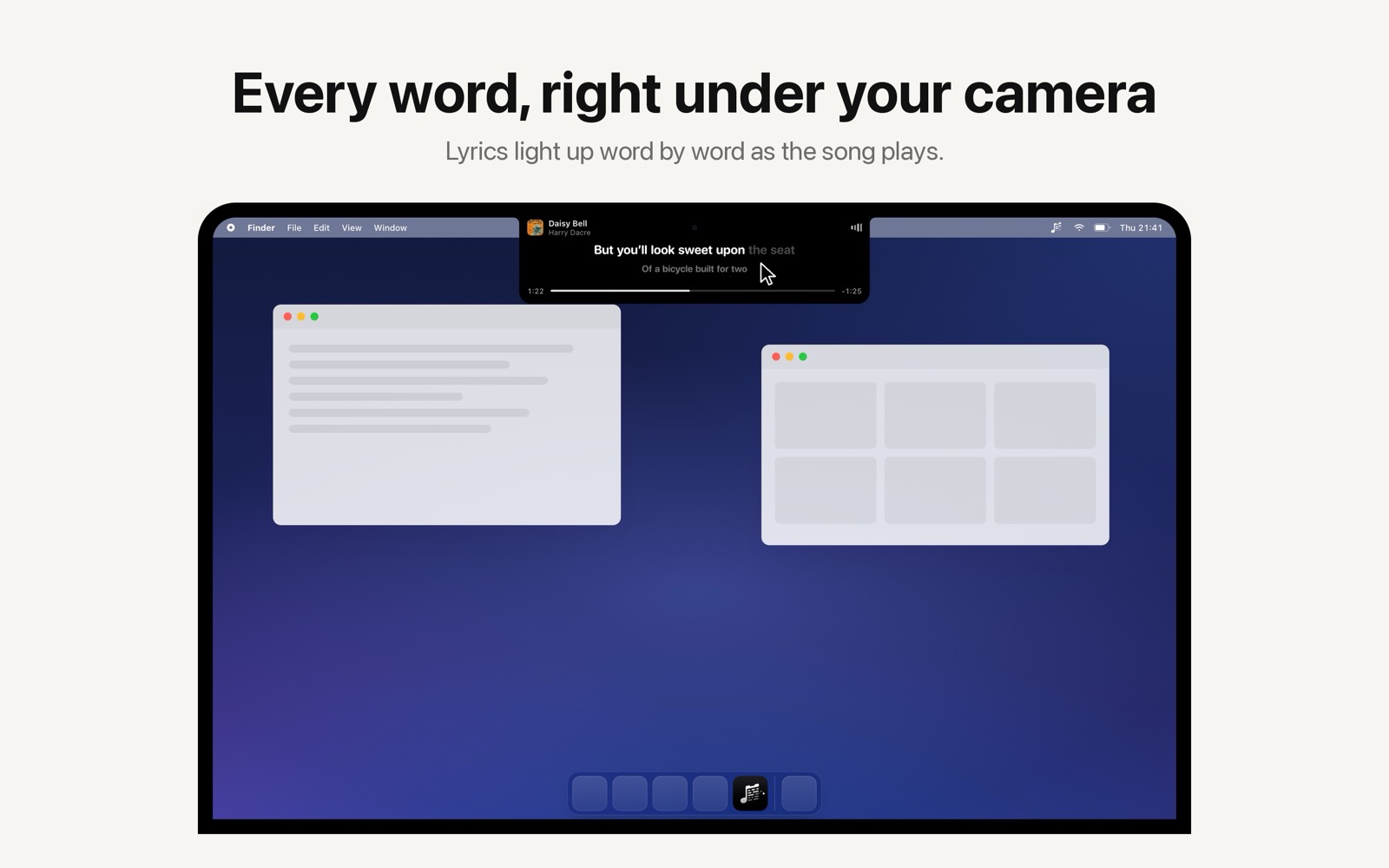
Peekabop
Karaoke lyrics for your Mac, lighting up word by word right under your camera.
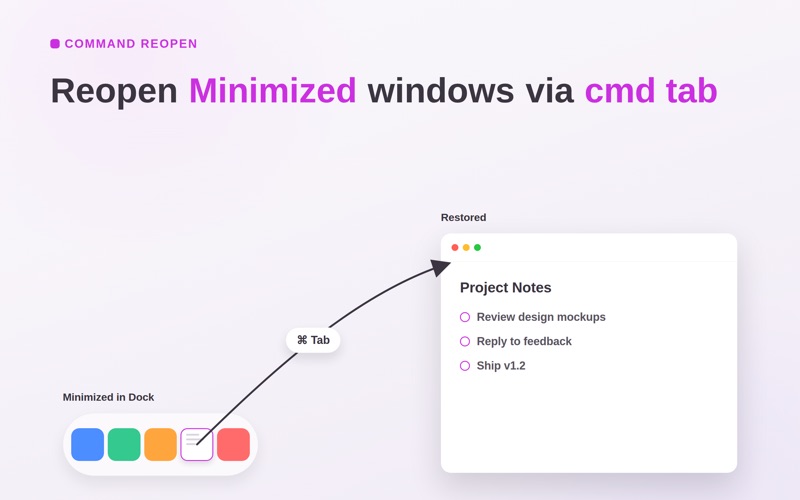
Command Reopen
The permission-free Cmd+Tab fix
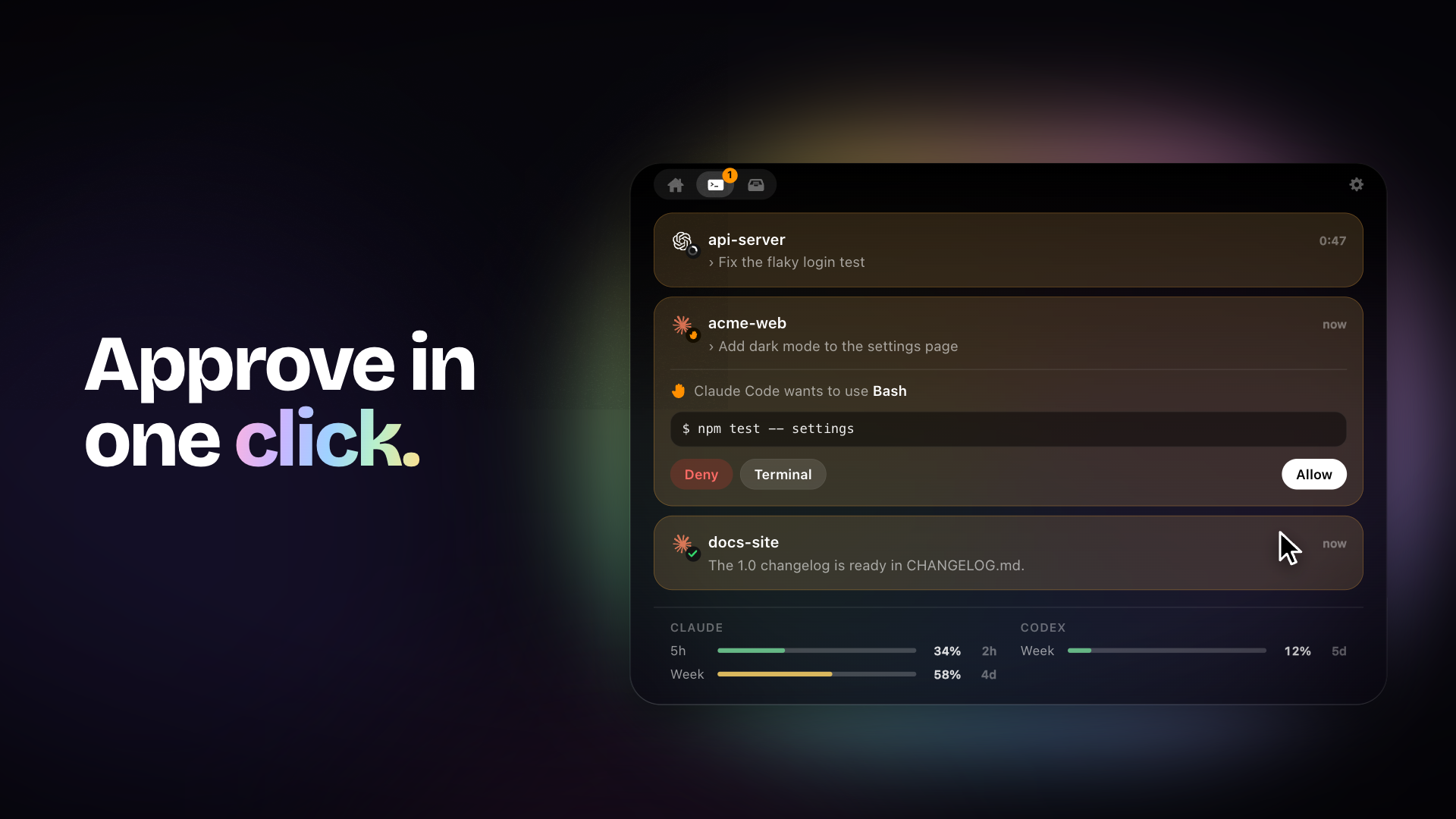
Vibeclove
Your AI coding agents in the MacBook notch.
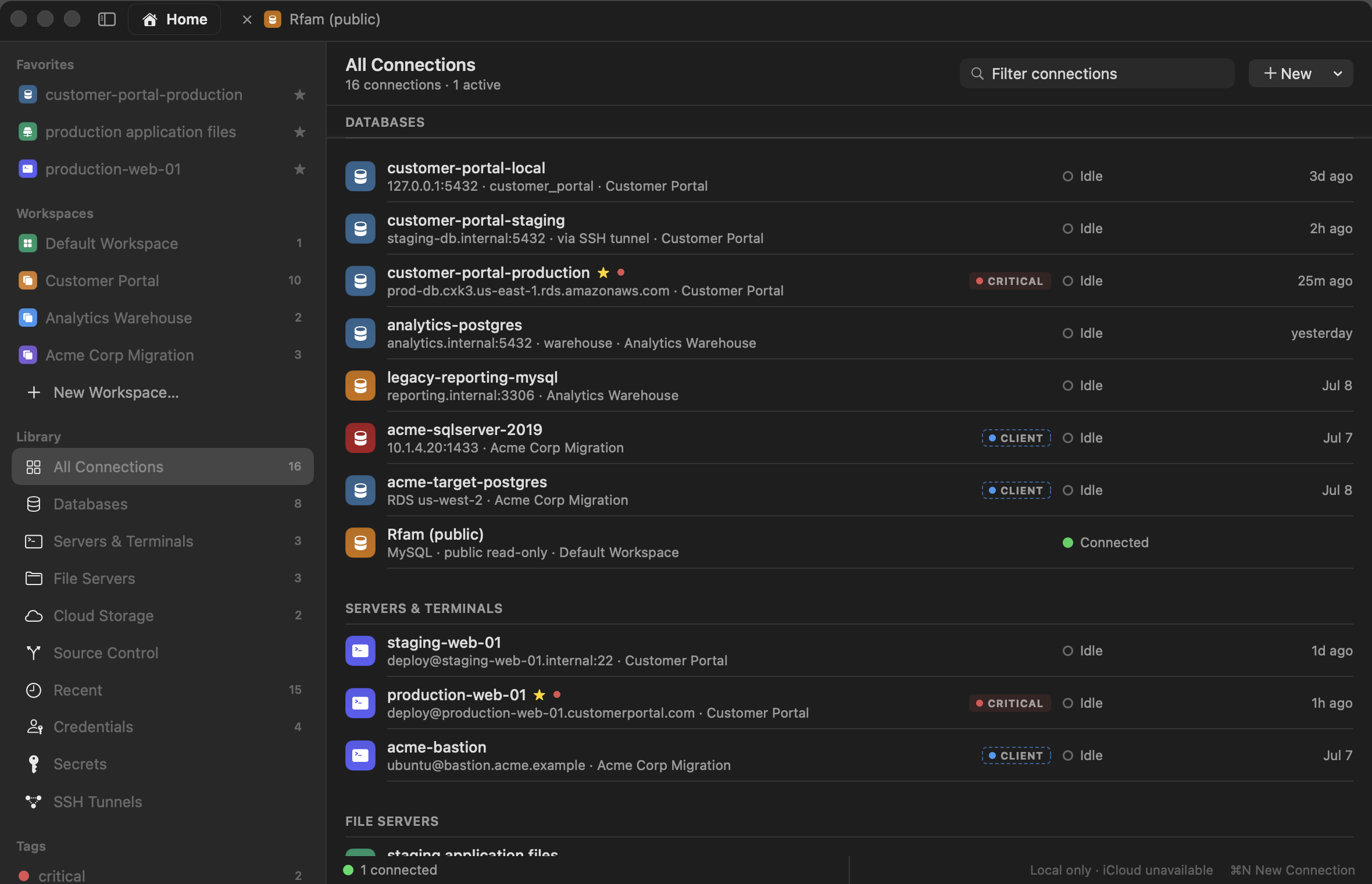
Hydra Dev Studio
Databases, file servers, Git and SSH in one native Mac window.
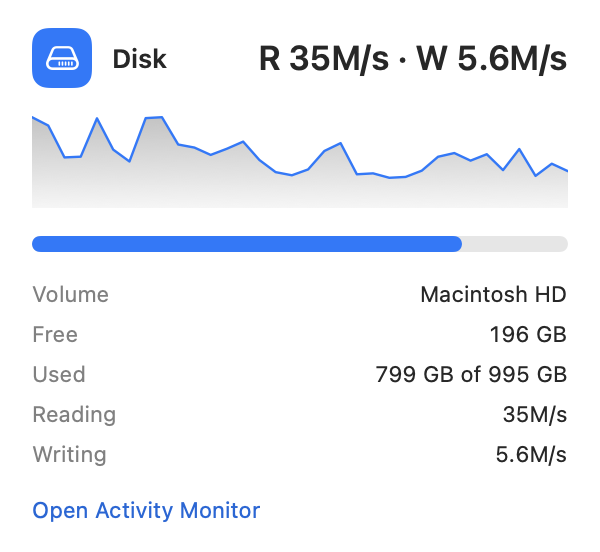
Revs
Mac system monitoring in your menu bar, with a one-time price.
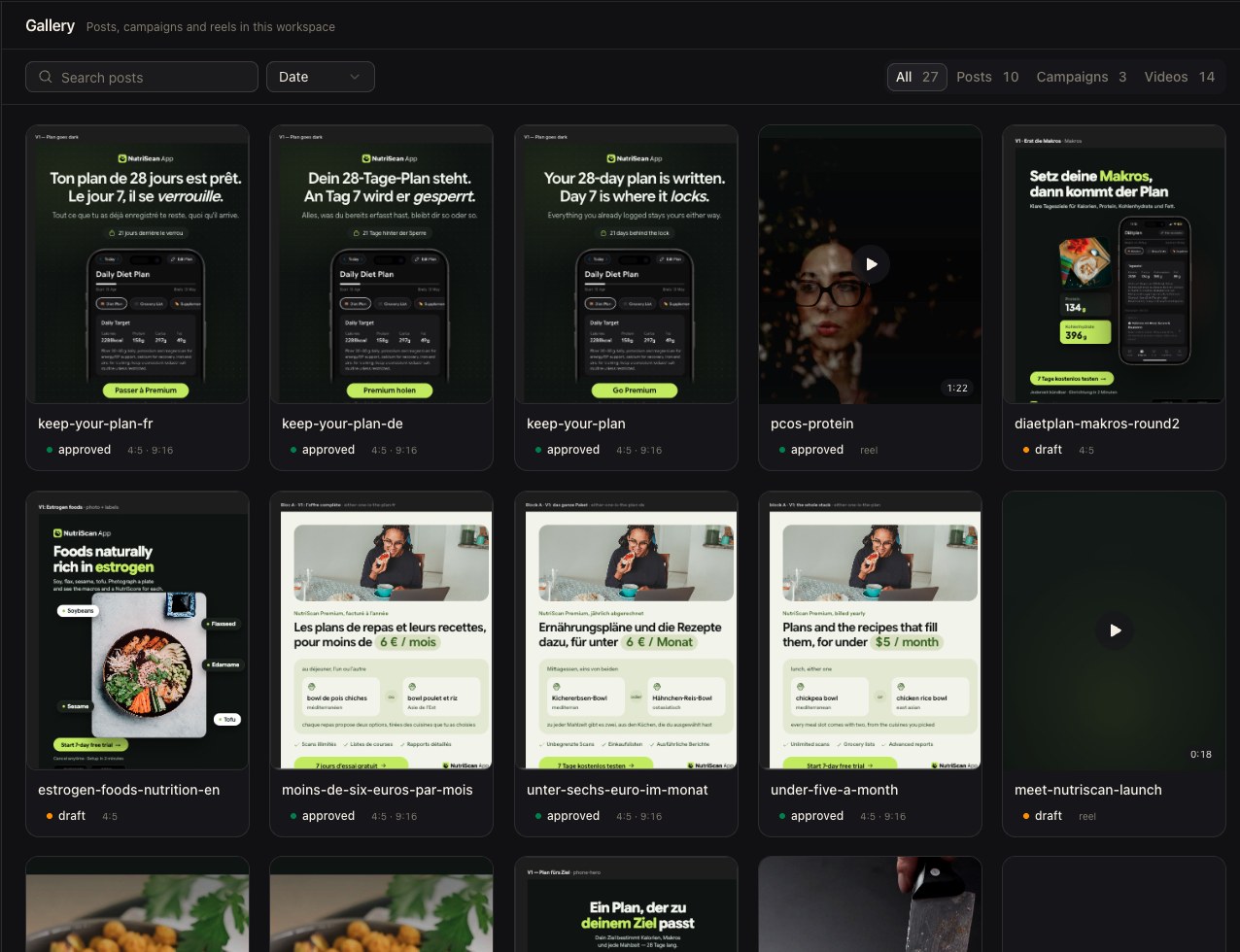
Kamply
A Mac app with a marketing crew inside. Runs on your Claude Code or Codex plan.
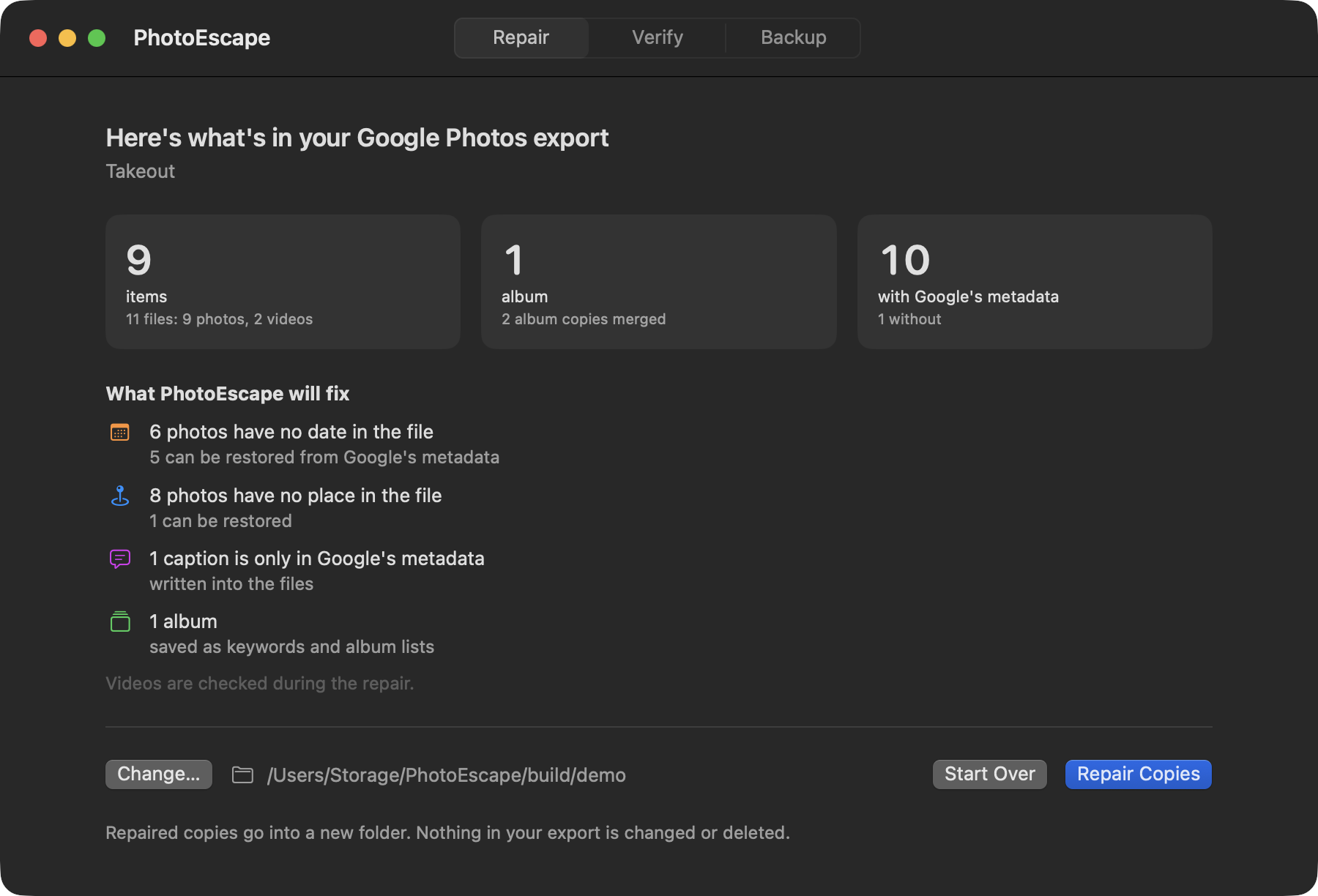
PhotoEscape
Fix Google Takeout and Snapchat exports for Apple Photos
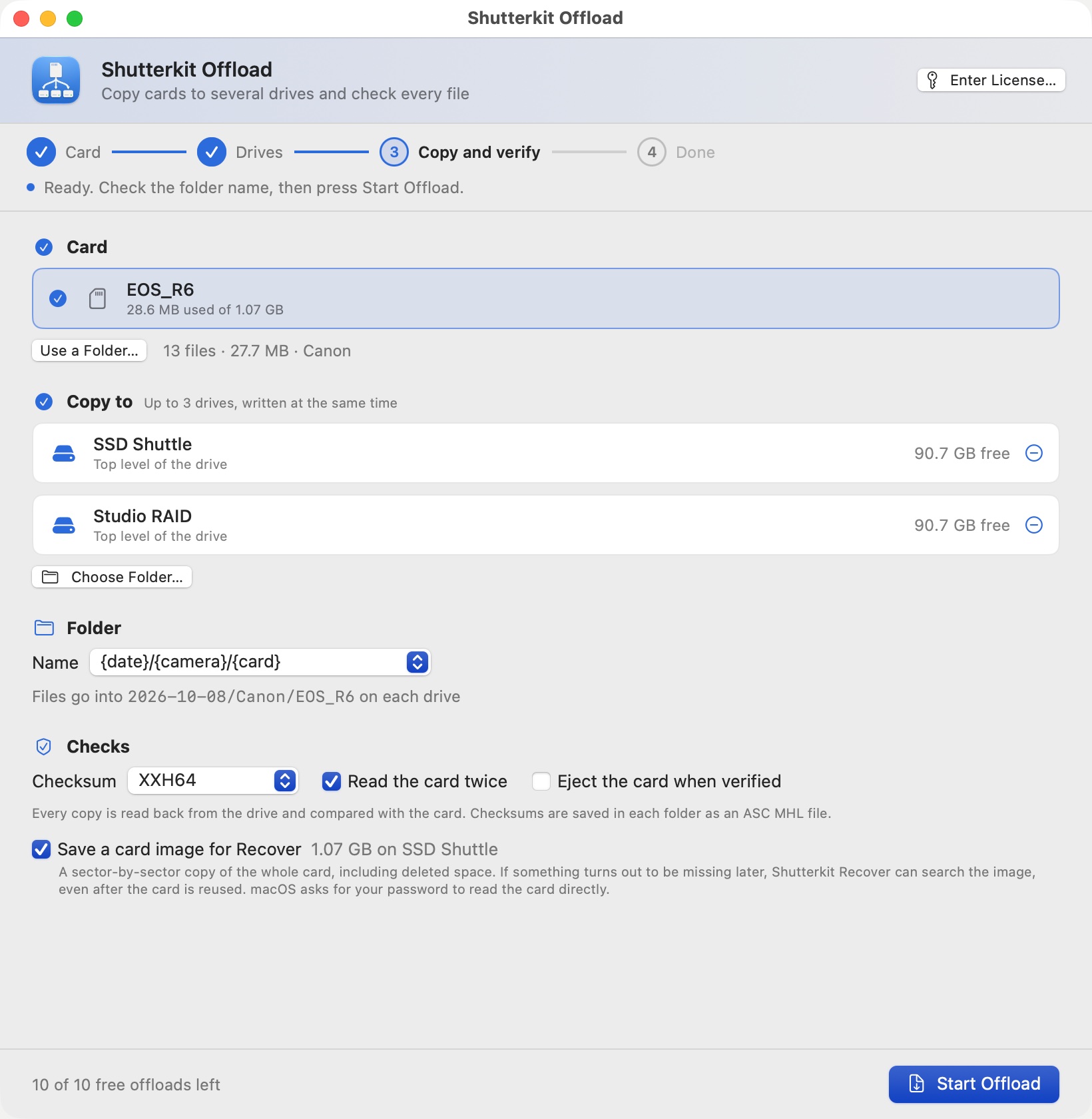
Shutterkit
Mac apps to back up, cull, check and recover memory cards
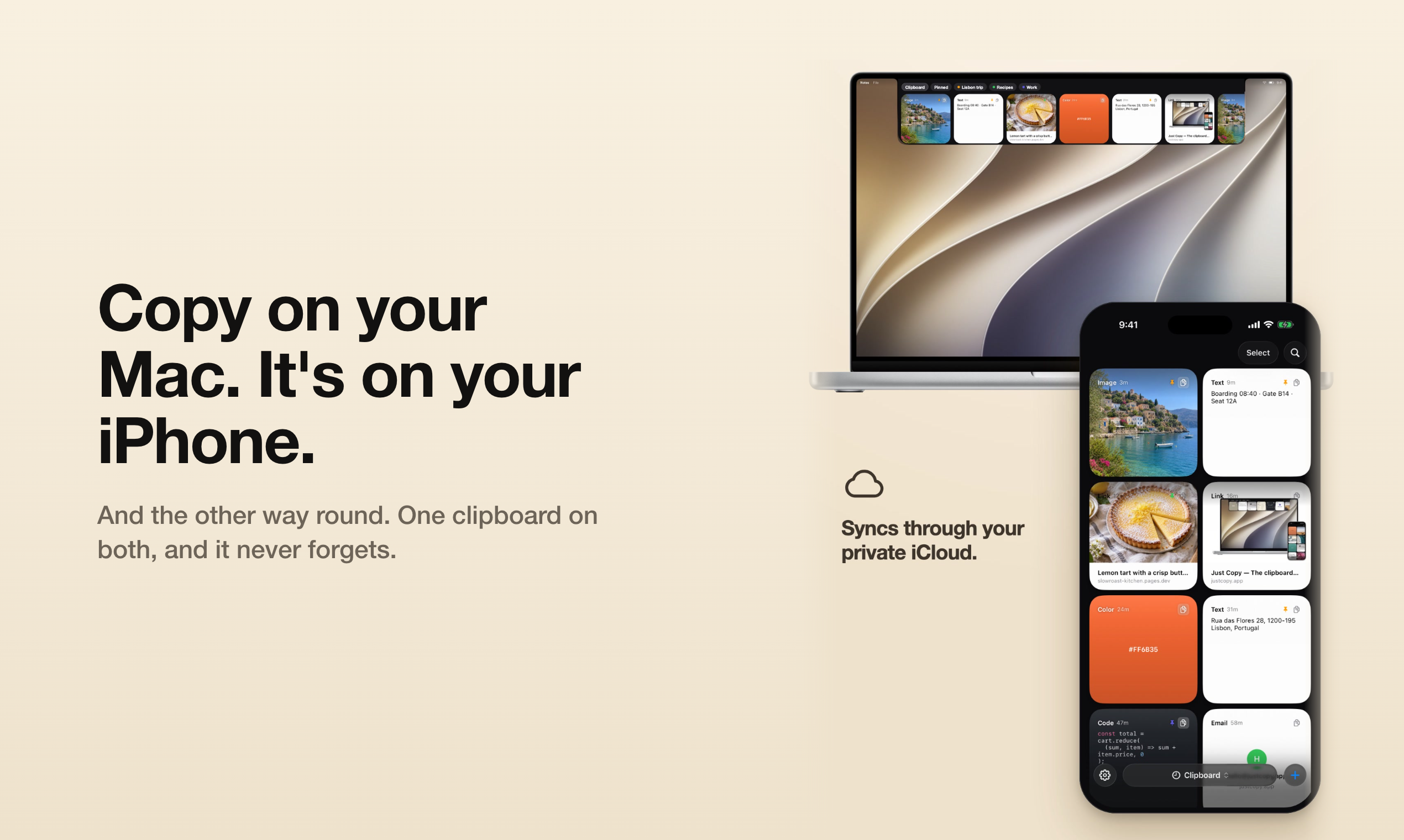

Just Copy
A clipboard manager that lives in your Mac's notch, synced with your iPhone
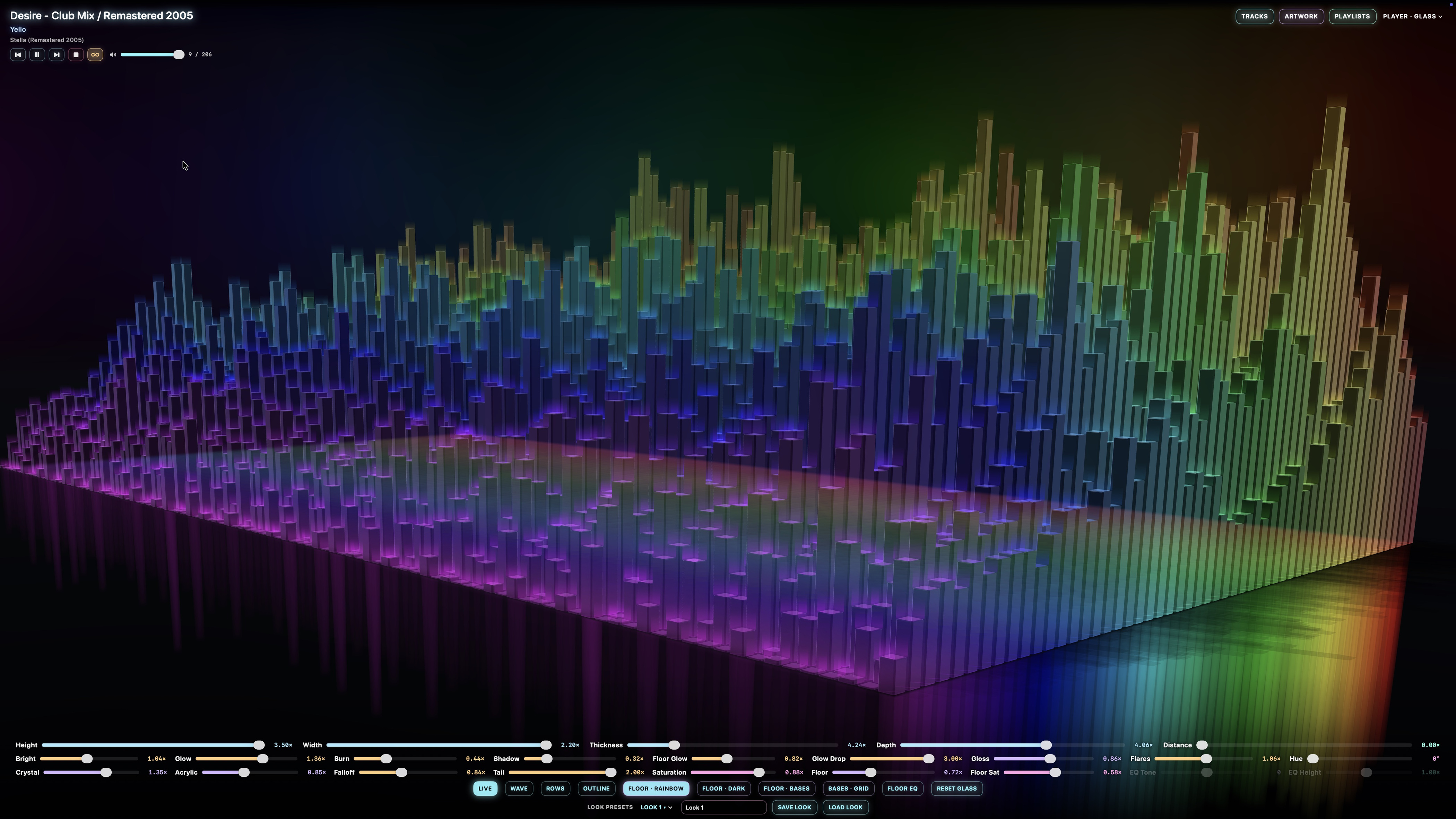
Local Music Organizer
Organize Music.app libraries, compare audio, and enjoy three original players.

Atlas
World Clock & Time-Zone App for Mac
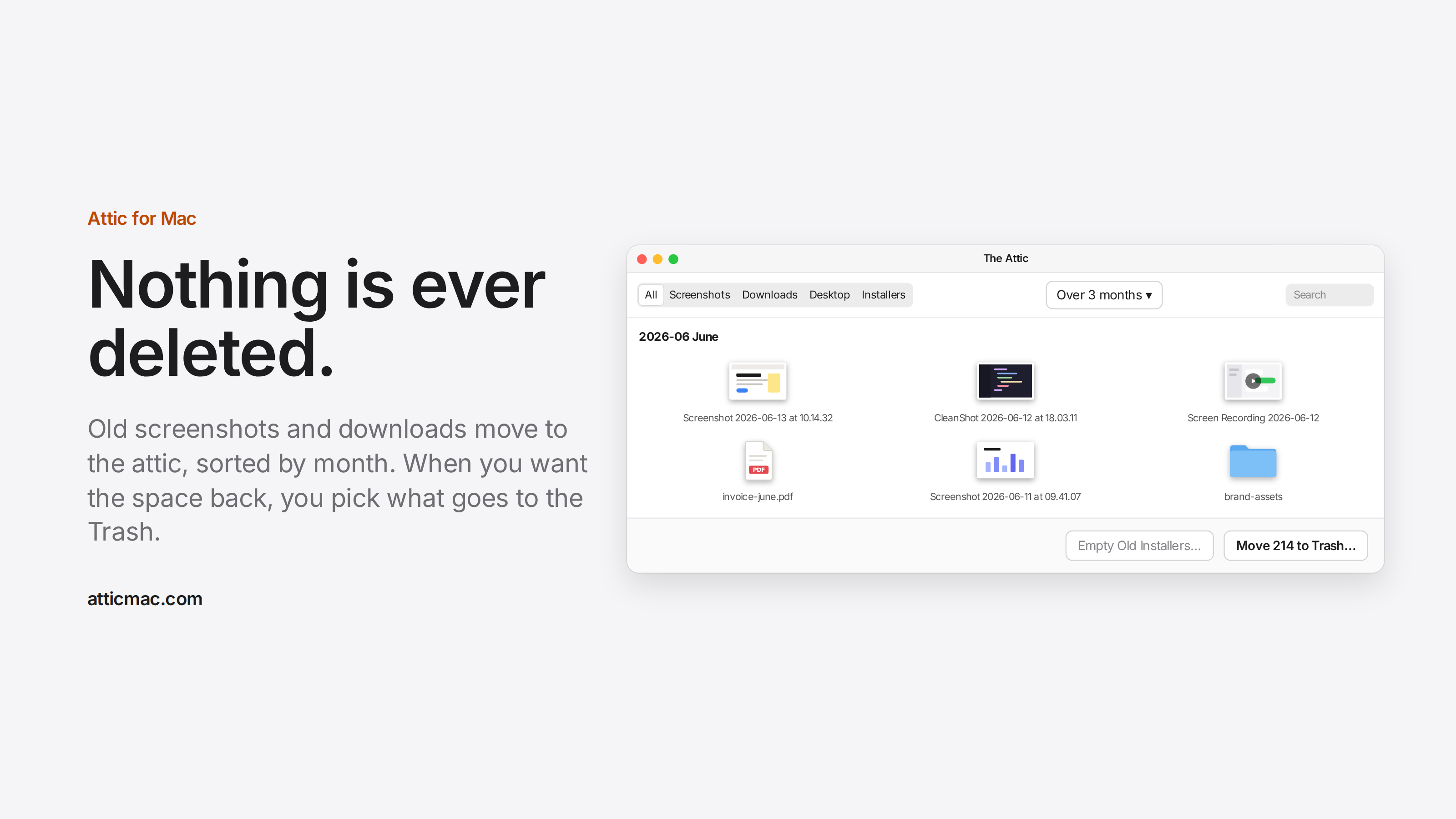

Attic
Your Desktop and Downloads, tidied every morning
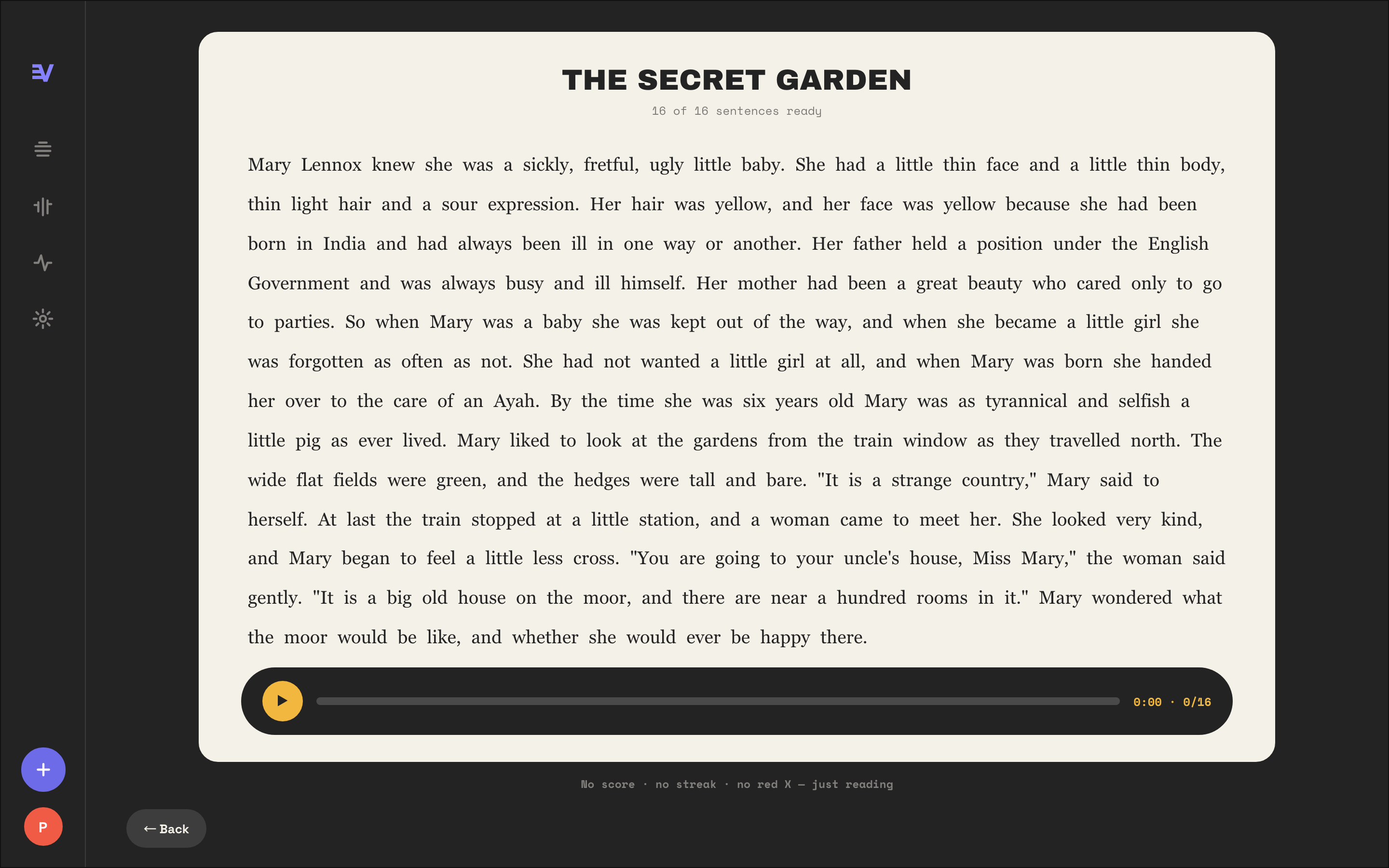
Elmren Voice
Local Mac text-to-speech with read-along and audiobook exports
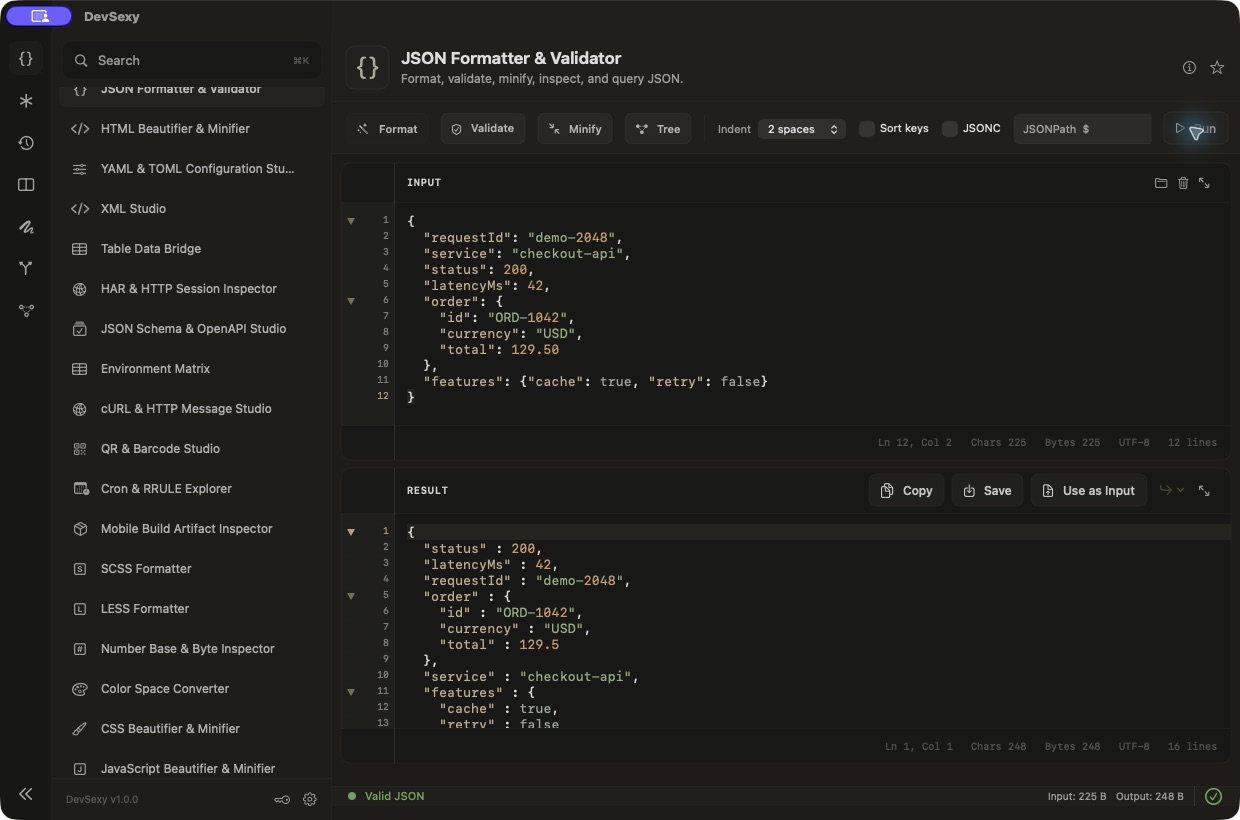
DevSexy
Offline Mac developer tools: JSON, JWT, Base64 and Option shortcuts
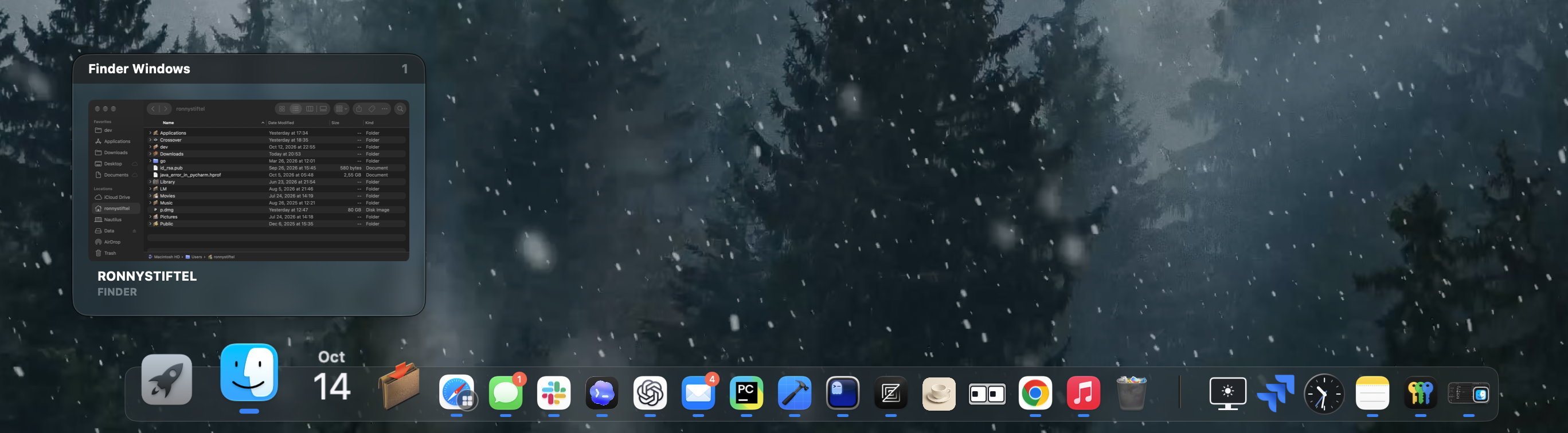

Docktopus
Your Mac dock, Dynamic Island, and daily tools in one app


Zeptap
Let your AI agents use your iPhone like you do
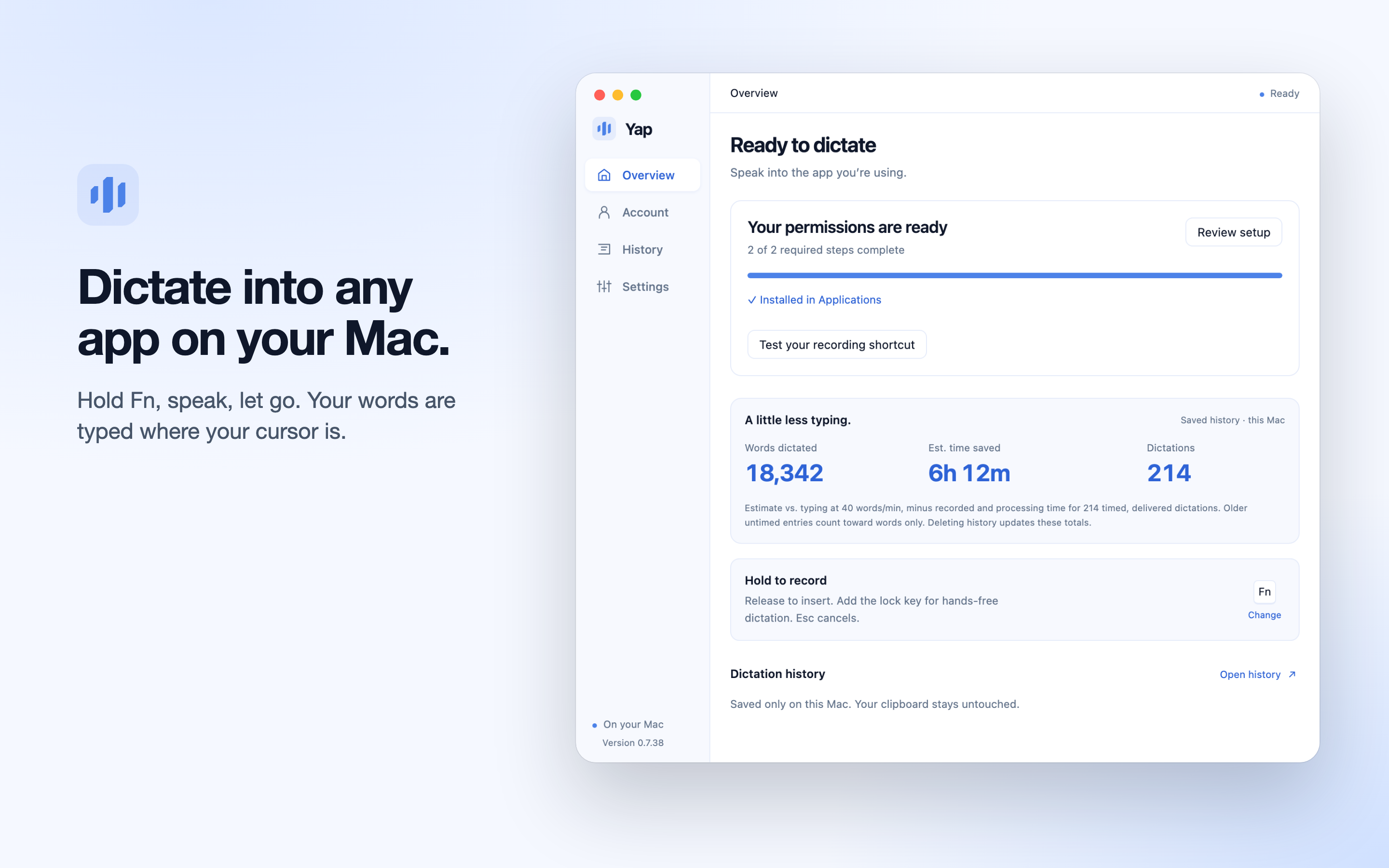

Yap
Fast, private voice dictation for Mac and Windows
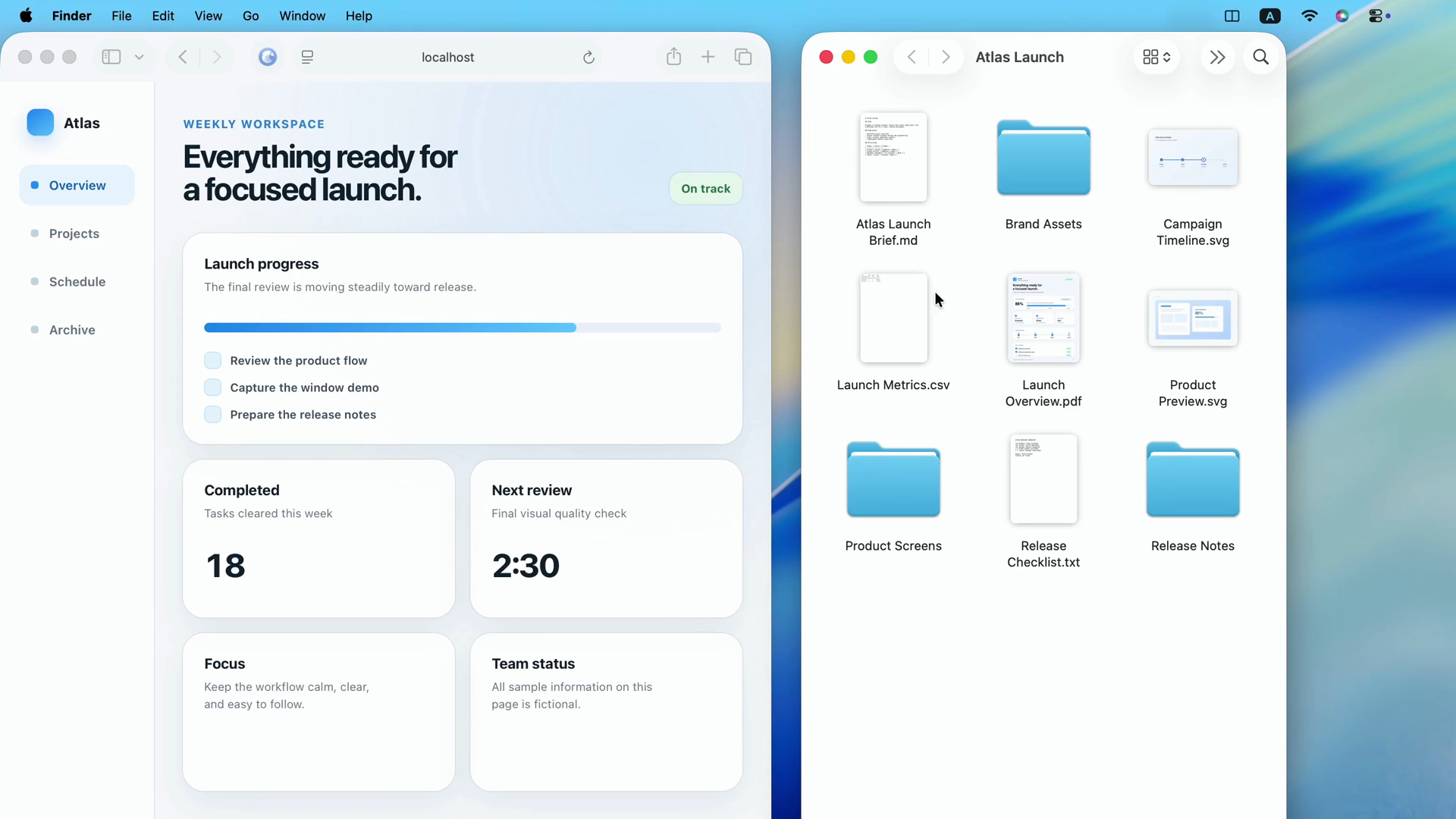
Split
Arrange Mac windows with shortcuts or drag-to-snap
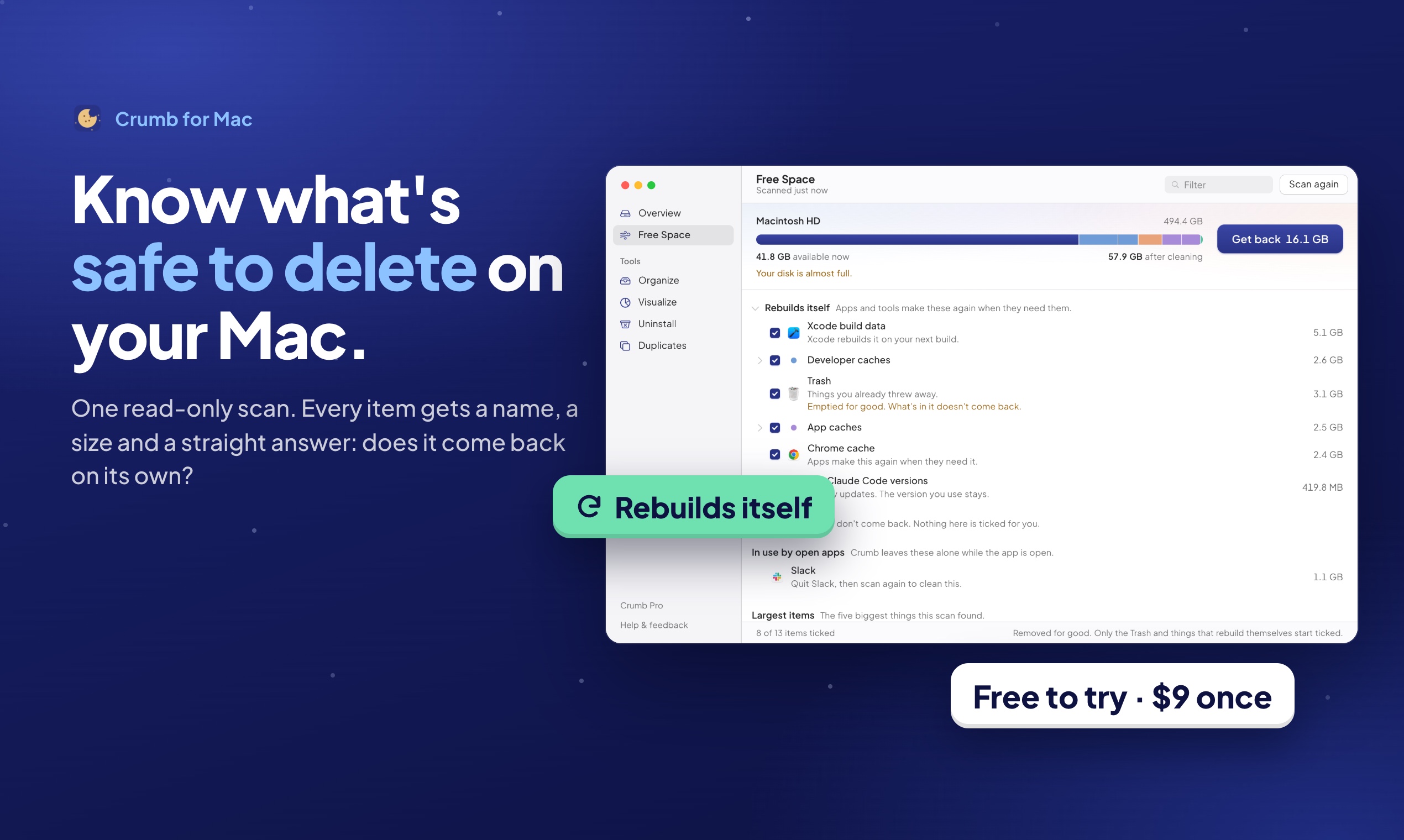
Crumb
Mac app that finds what is filling your disk, tells you what is safe.
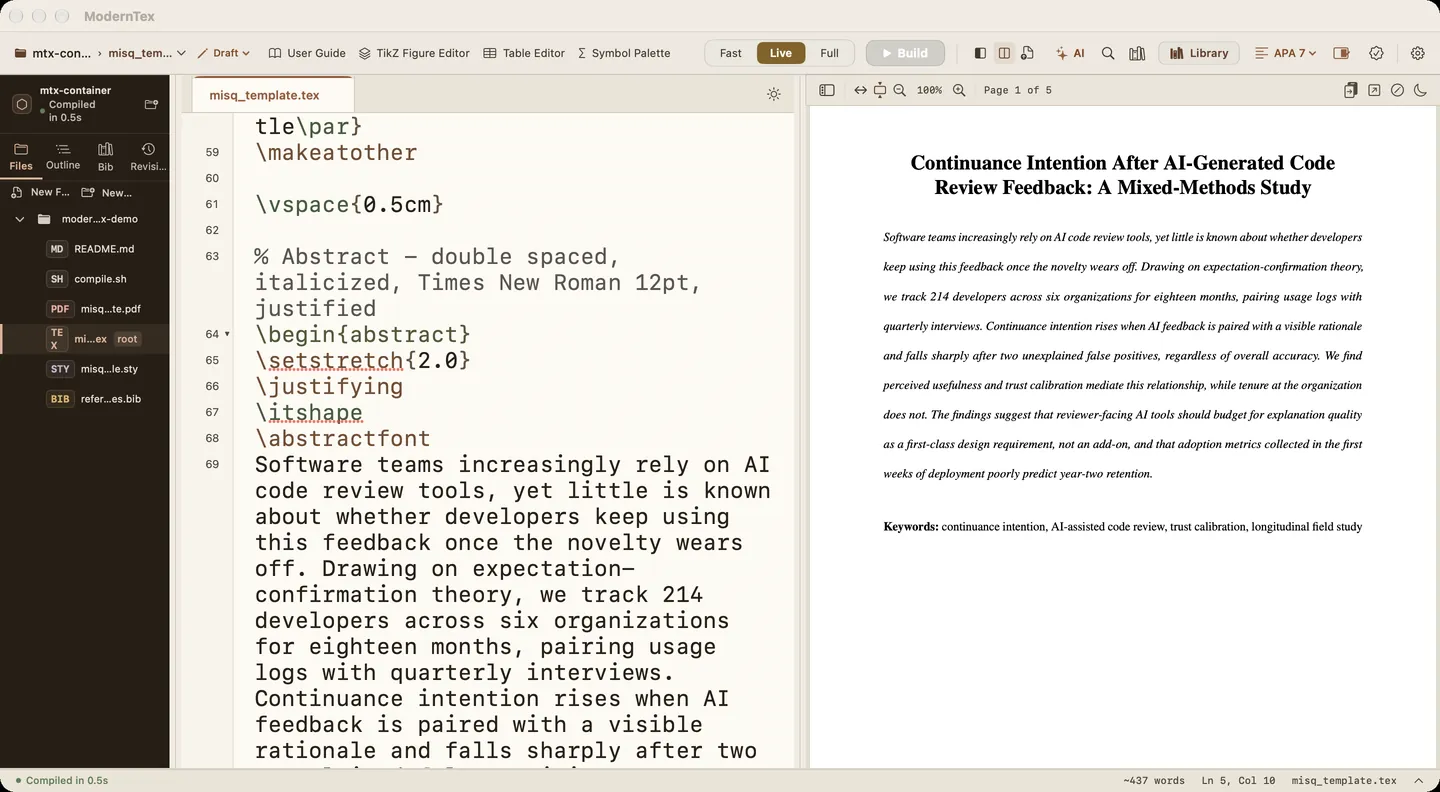
ModernTex
Native Mac LaTeX editor for finishing papers and theses, offline
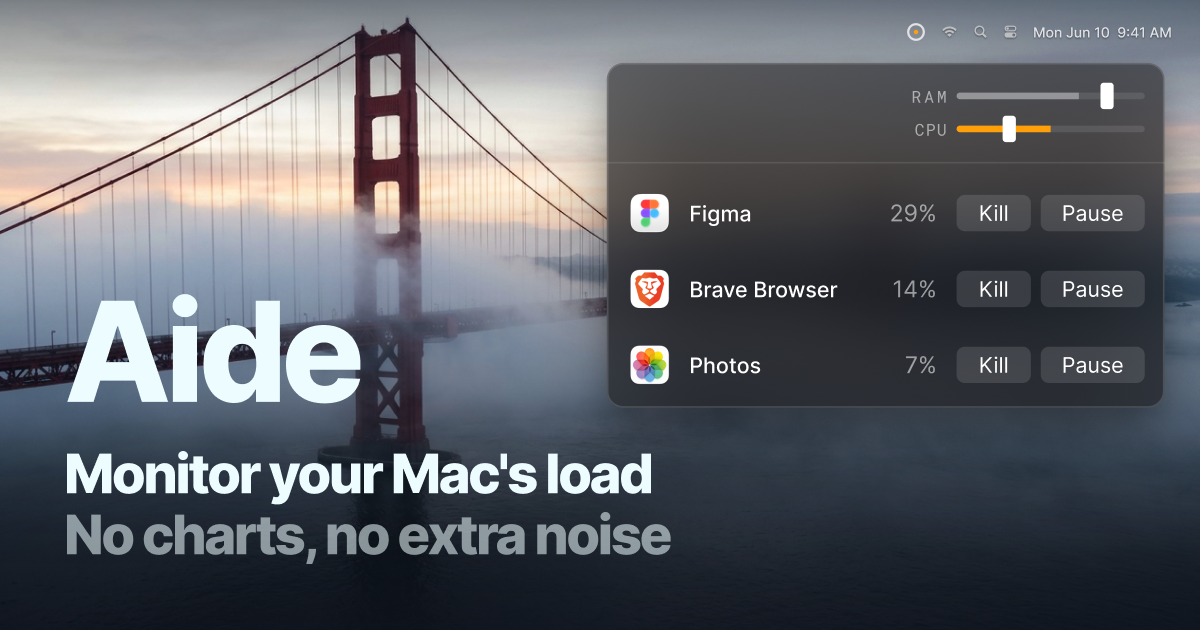
Aide
A quiet menu bar load monitor that lists only the apps over your limit
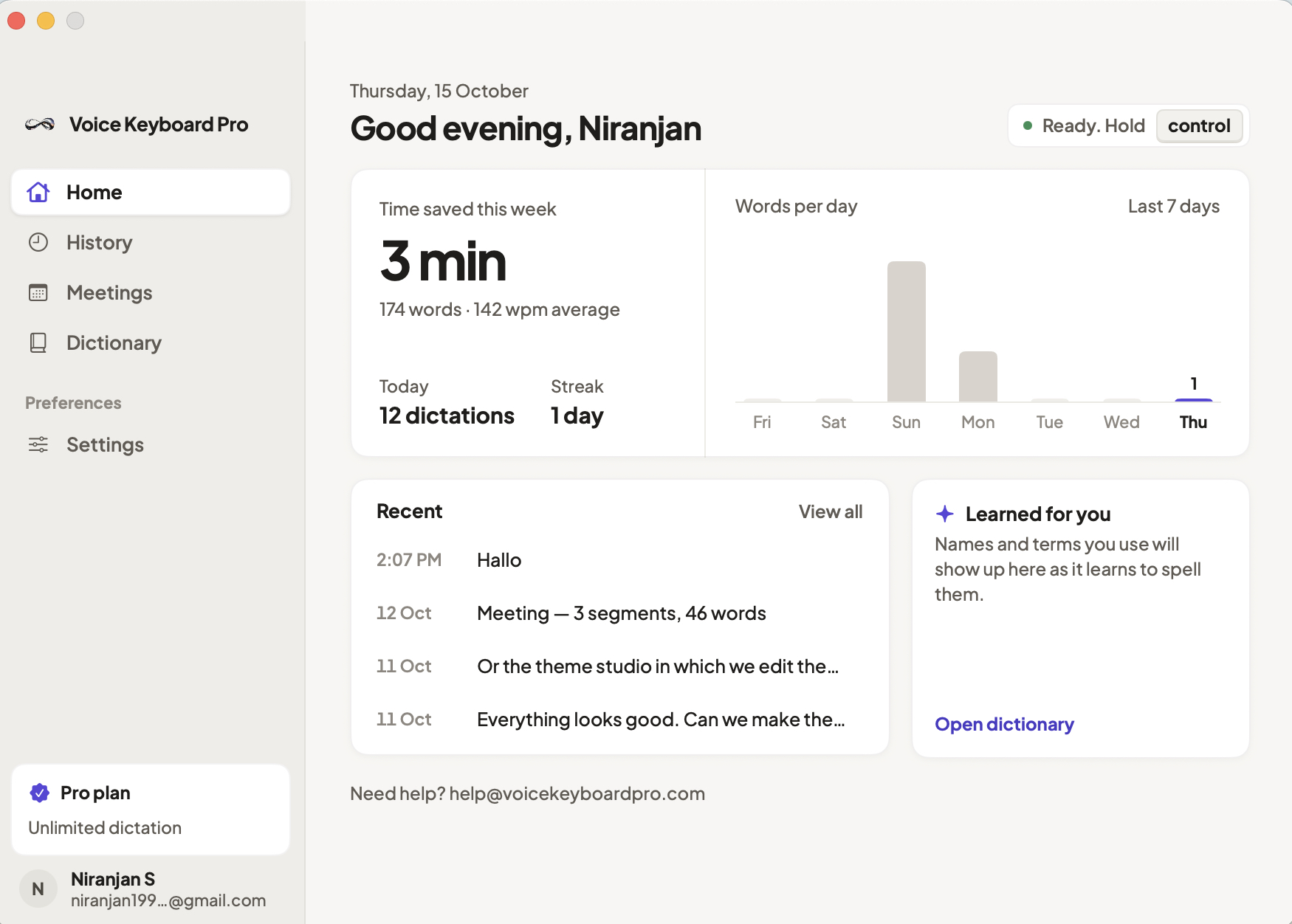
Voice Keyboard Pro
Hold a key, speak, let go. Your words land wherever you're typing
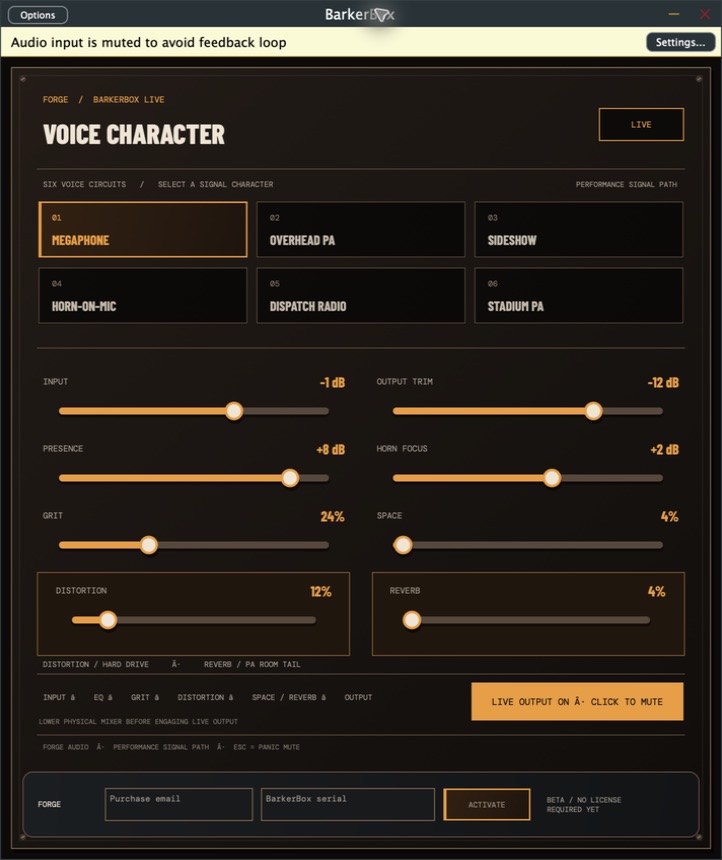

BarkerBox
Voice character effects for music, video, and live performance


PANOVOLO
Stitch drone and camera photos into 360° panoramas
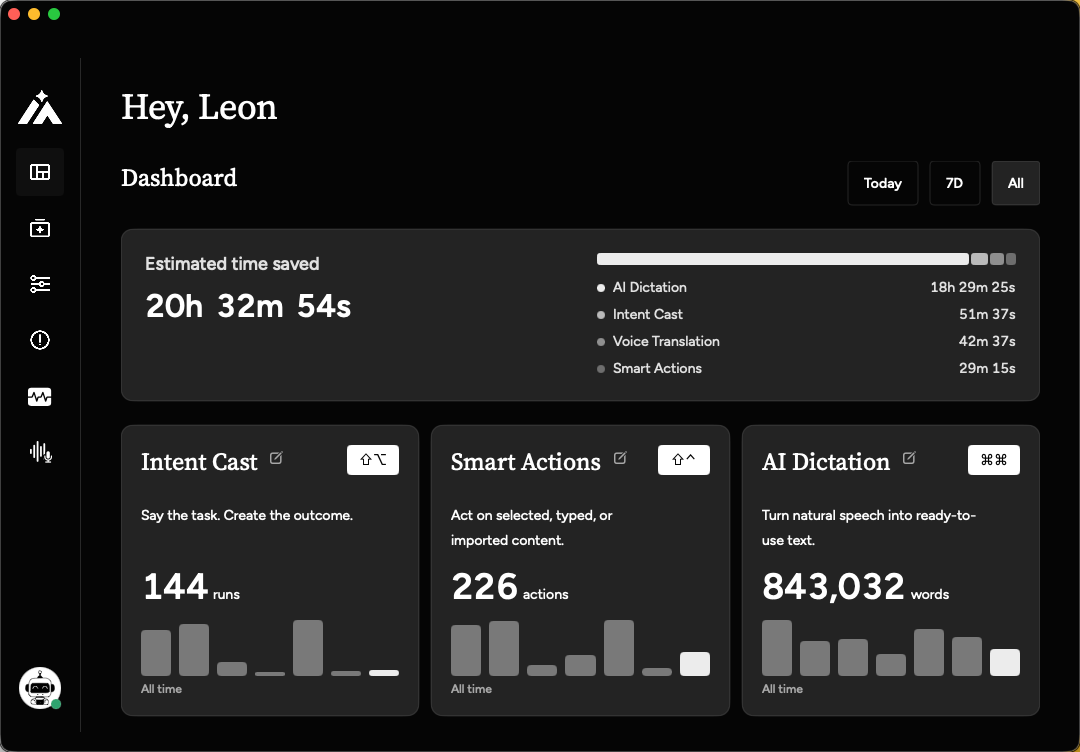

Aureon
Say what you need. Aureon routes it to your Mac apps.
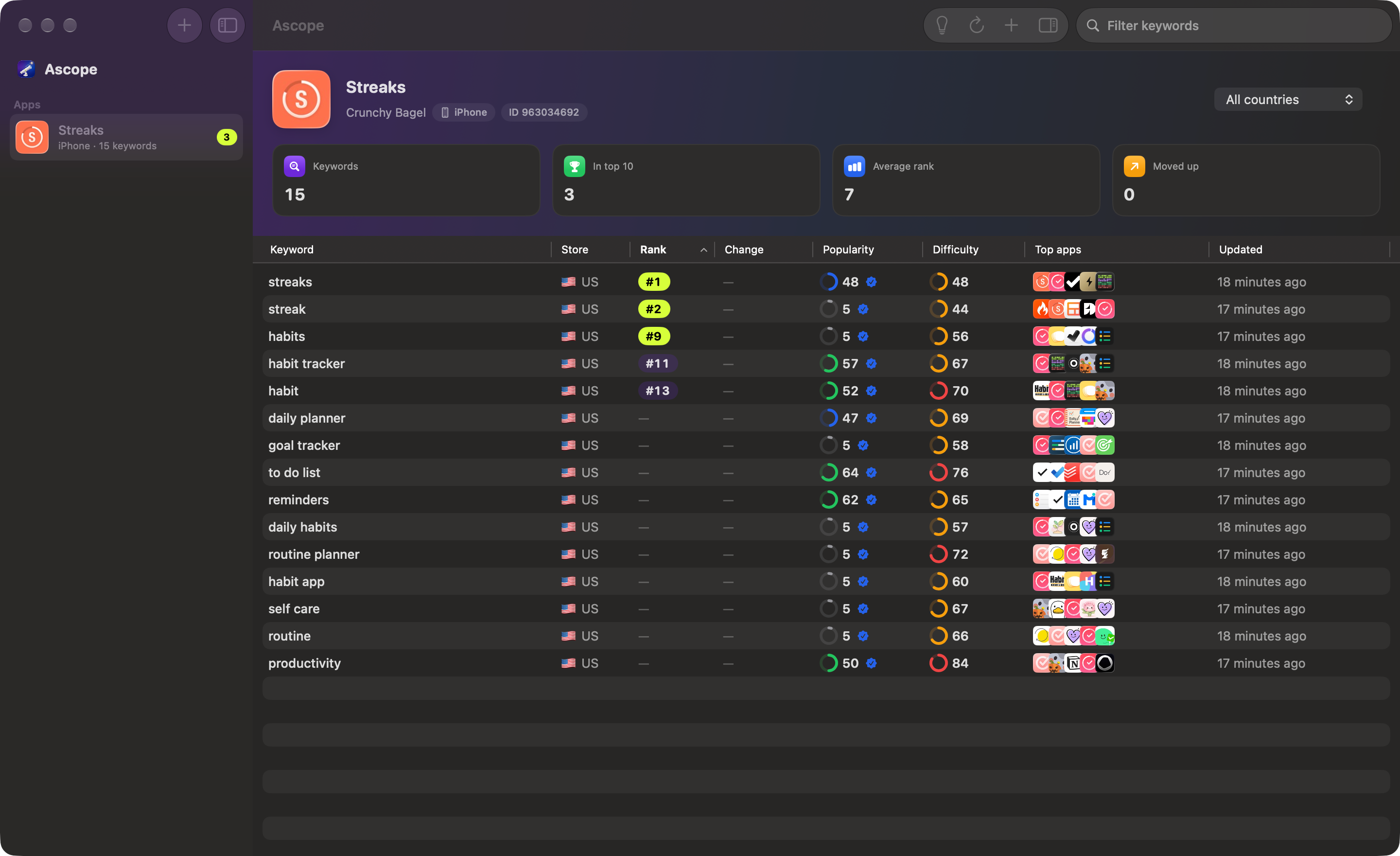
Ascope
App Store keyword rank tracking, with Apple's own popularity scores
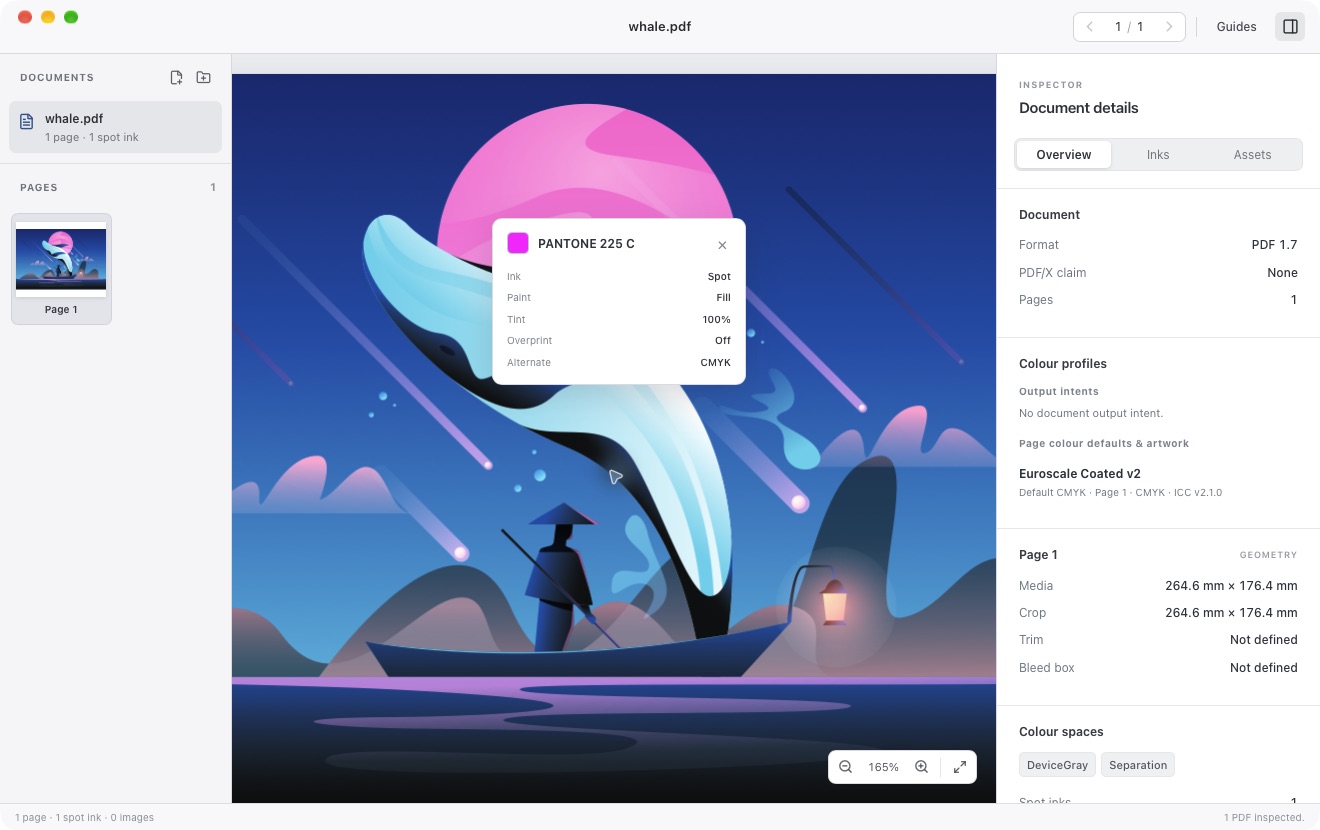

InkCheck
Inspect spot colours, fonts and image PPI in print PDFs on your Mac


Chitra Studio
Your AI Media Workstation


Cornel VPN
VPN for travel Wi-Fi and remote work, with per-domain routing modes
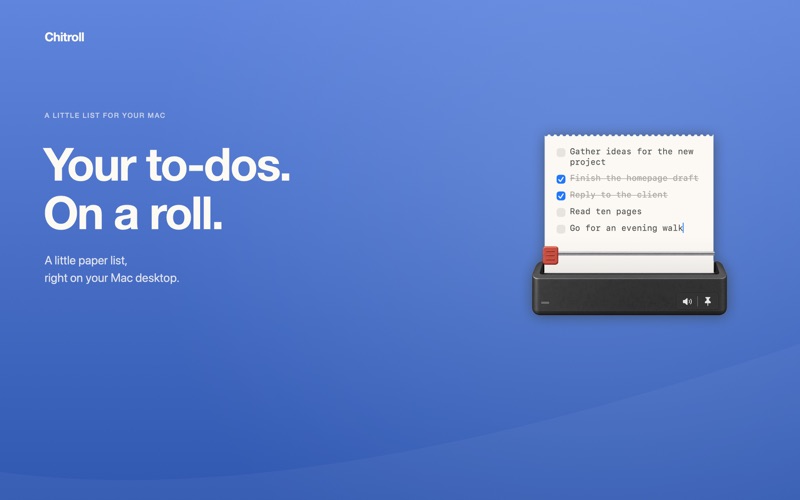
Chitroll: Paper To-Do List
Write it. Cut it. Tear it off. A paper to-do on your desktop.

NovaTV Worldwide
Premium IPTV player for Apple Silicon Macs
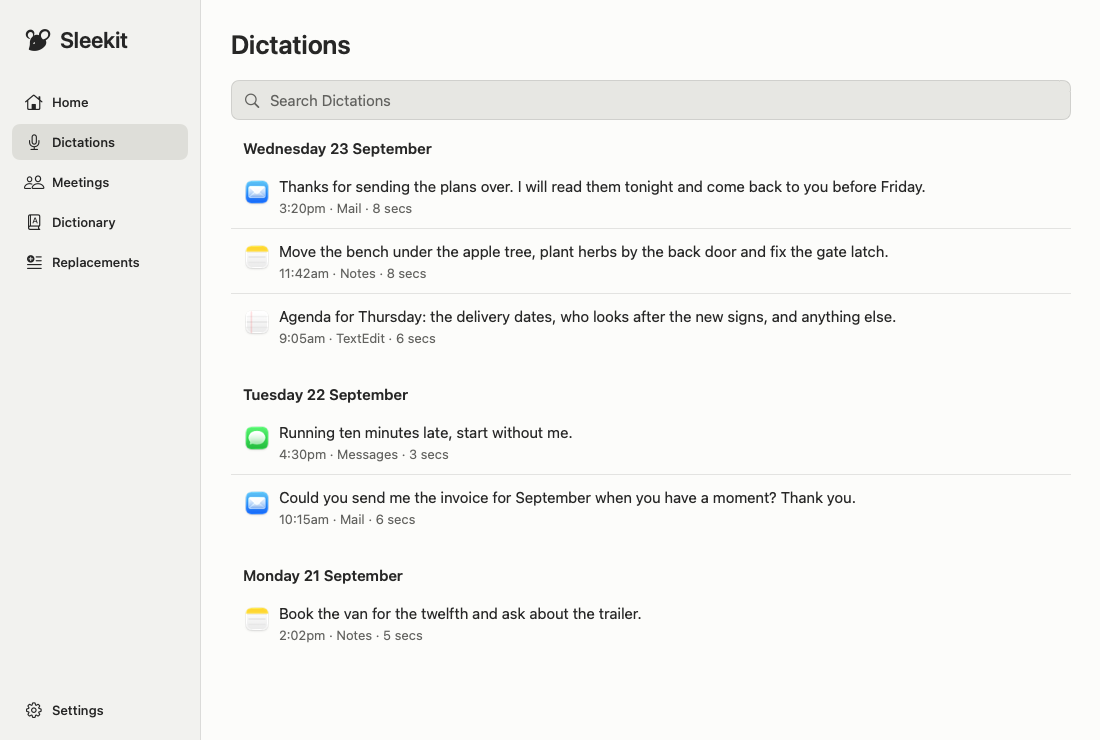

Sleekit
All-in-one dictation and meeting notes for Mac.
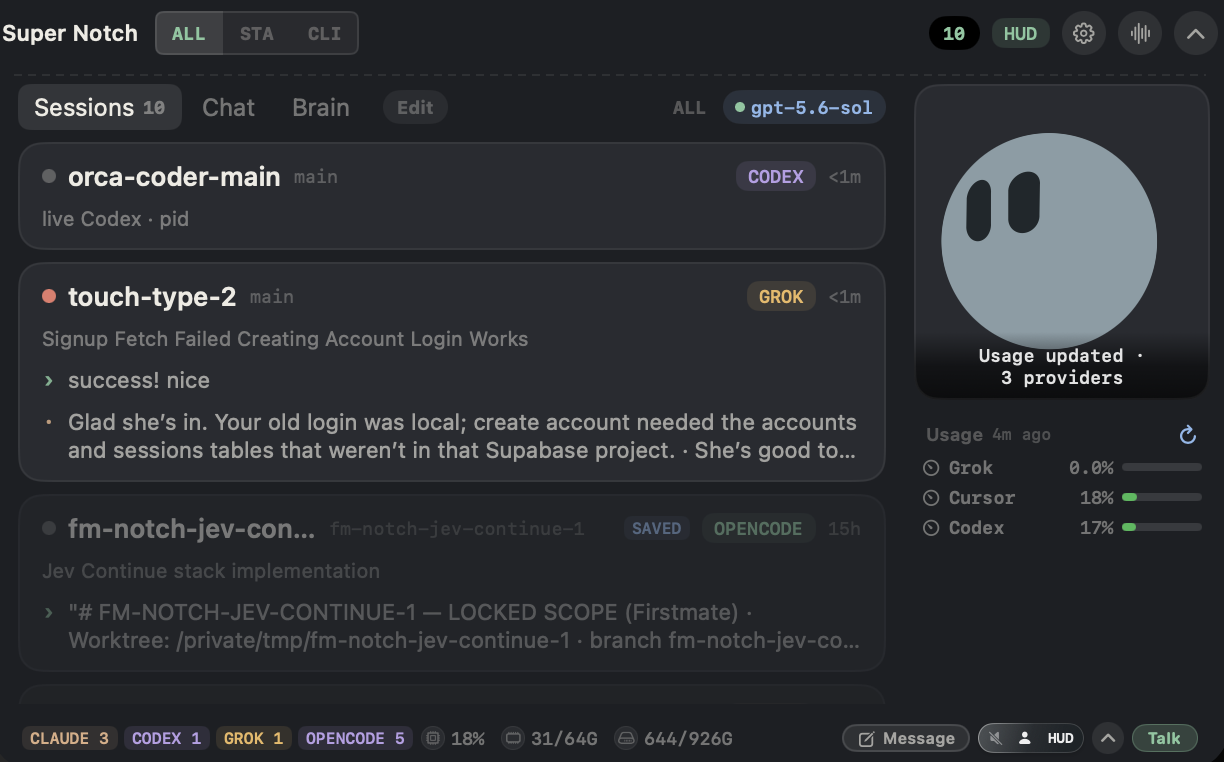
Super Notch
AI agent session manager in the MacBook notch, with on-device dictation
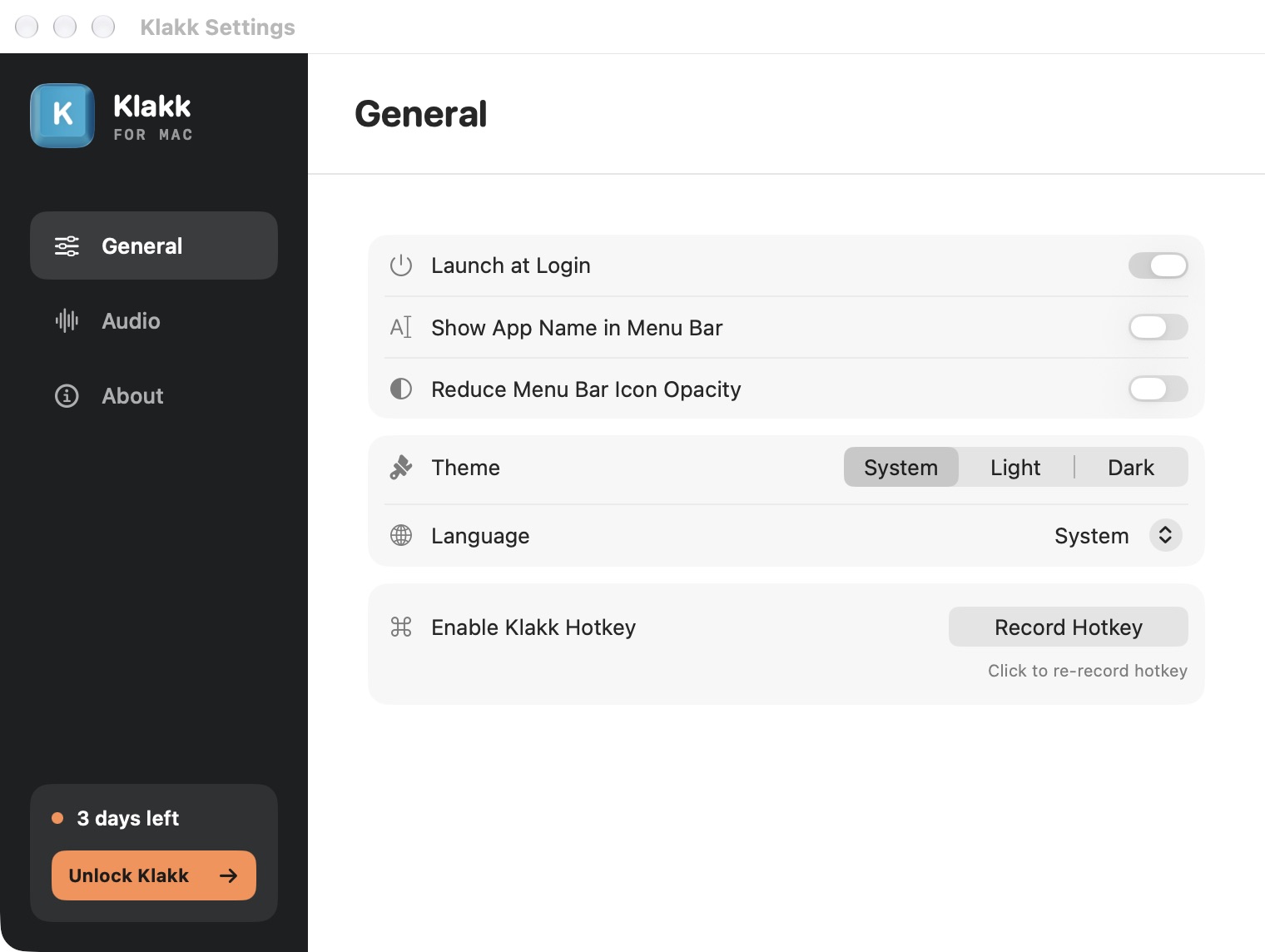

Klakk
Klakk adds mechanical keyboard sounds as you type on a Mac or Windows PC.

popCalendar
A full year in your menu bar, with a background clock
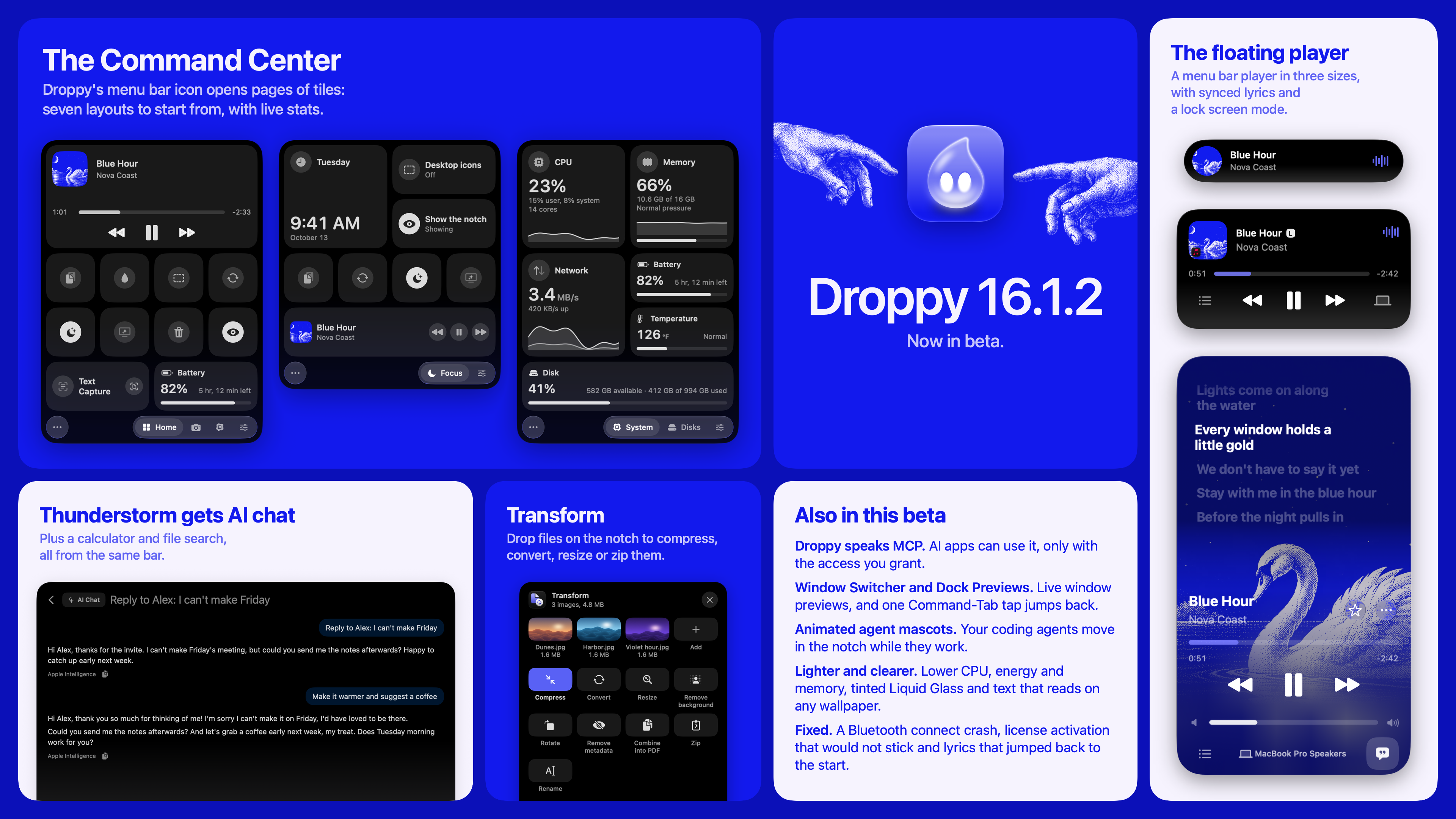

Droppy
A Dynamic Island and productivity suite for every Mac


LiteNoted
Local notes and checklists in a flexible, always-on-top Mac window


Zimlo
Local transcription and a searchable conversation library for Mac
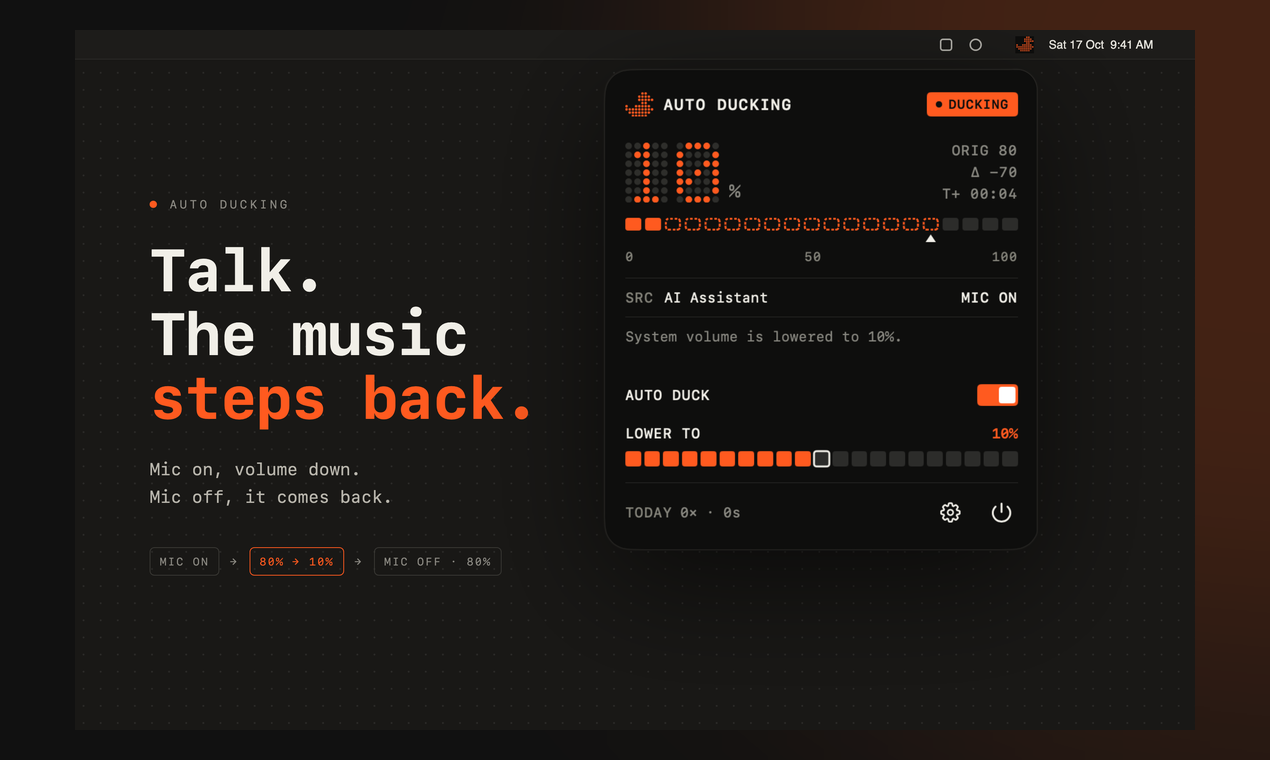

Auto Ducking
Your Mac turns music down when you talk, up when you stop
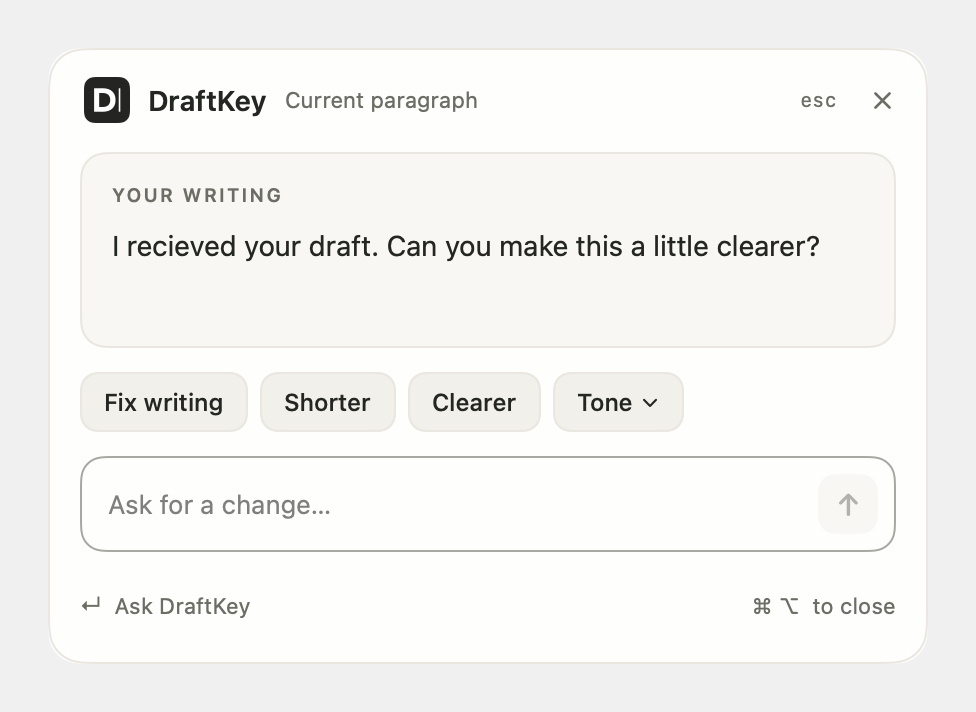

DraftKey
Private on-device AI autocomplete and rewrites for every Mac app. $4.99 once.
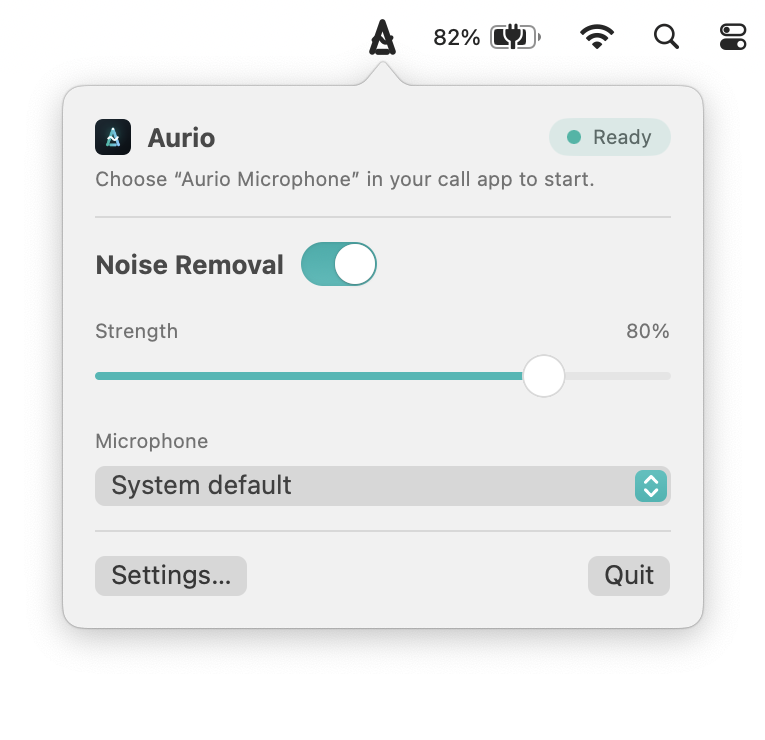
Aurio
One noise-free microphone for every Mac app, cleaned on-device in real time.
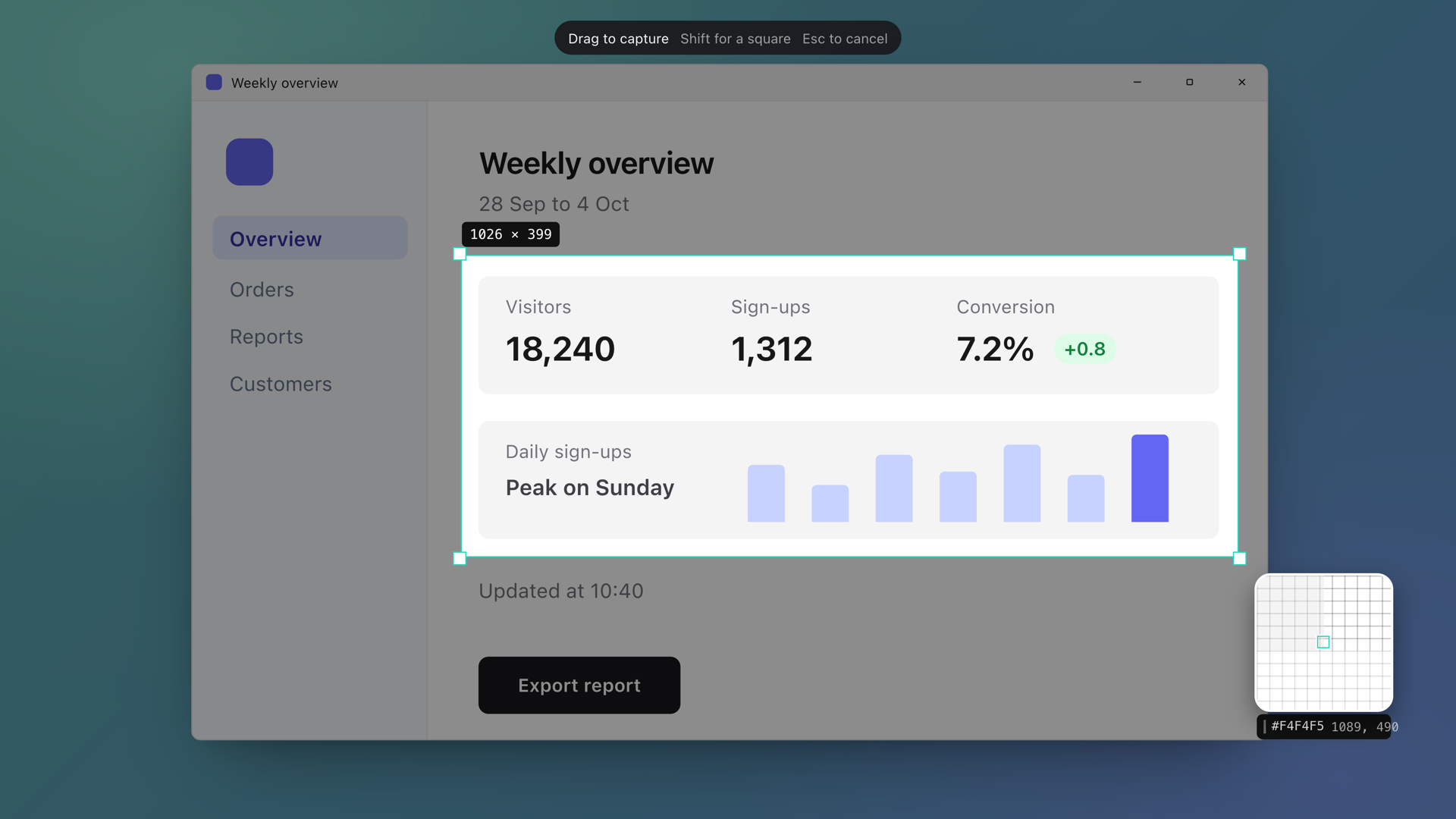

VizShot
Capture, mark up, record and share your screen on Mac. $8 once.
About Pay once. Keep the app.
One-time purchase Mac apps remain common among independent developers and focused utilities. You buy a license for the current version and keep using it without a recurring bill. Some developers charge separately for major future upgrades, while others include a period of updates—check the individual license before buying.
This page groups apps currently labeled Paid in the library. That label means an up-front purchase is available; it does not promise lifetime upgrades or cloud services forever. It is still the best place to start when you prefer software ownership and predictable costs over another monthly subscription.
Questions
What does one-time purchase mean for a Mac app?
You pay once for a license to use the purchased version without recurring charges. The developer may include updates for a defined period or charge for a future major upgrade, so review the product's current license terms before buying.
Is a lifetime license the same as lifetime updates?
No. A lifetime license normally means the purchased version keeps working, while lifetime updates means future major releases are included. Many sustainable Mac developers sell a permanent license with optional paid upgrades later.
Are one-time purchase apps cheaper than subscriptions?
They usually cost less over several years if you keep using the same app, but subscriptions may include ongoing cloud services, collaboration, or frequent major releases. Compare the total cost with the features you actually depend on.